Table of Contents
Introduction
Recording online radio, music, podcasts, webinars, or any audio in your browser should be easy, but pick the wrong tool, and you're stuck with bad system audio, missing export options, or a setup that takes forever.
We tested five popular tools to find the best streaming audio recorder for 2026, comparing them on sound quality, features, ease of use, formats, and value. Whether you want a free streaming audio recorder, a solid audio stream recorder for regular use, or just something simple for recording streaming audio on Windows 11, this guide has you covered. Below is a quick comparison table, followed by full reviews with key features, pros, cons, and who each tool is best for.
Part 1: Quick Comparison of the Best Streaming Audio Recorders
Before a detailed review, let's look at a quick comparison of these best streaming audio recorders at a glance.
| Streaming Audio Recorder | Best For | Audio Formats | Metadata Tagging | Audio Editing | Free Version |
|---|---|---|---|---|---|
| Abreezesoft Streaming Audio Recorder | Overall Best Choice | MP3, FLAC, WAV, AAC, M4A, OGG, WMA, AIFF | Yes | Yes | Trial Available |
| Audacity | Free Audio Recording & Editing | MP3, WAV, FLAC, OGG | No | Yes | Yes |
| SoundTap Streaming Audio Recorder | Simple Audio Capture | MP3, WAV | No | Limited | Trial Available |
| Apowersoft Streaming Audio Recorder | Automatic Song Tagging | MP3, AAC, WMA, WAV | Yes | Basic | Trial Available |
| OBS Studio | Advanced Audio Recording | Multiple Formats | No | Basic | Yes |
At a Glance:
- Best Overall: Abreezesoft Streaming Audio Recorder
- Best Free Streaming Audio Recorder: Audacity
- Best for Beginners: SoundTap Streaming Audio Recorder
- Best for Music Library Management: Apowersoft Streaming Audio Recorder
- Best for Advanced Users: OBS Studio
How We Tested these Streaming Audio Recorders?
We installed each recorder on Windows 11 and tested recording Spotify streams, YouTube Music playback, internet radio stations, and podcast streams. We evaluated audio quality, metadata accuracy, export options, ease of setup, and editing capabilities.
Part 2: Top 5 Streaming Audio Recorders
Below is detailed review of our top picks for recording streaming music, online radio, podcasts, and other digital audio sources.
1. Abreezesoft Streaming Audio Recorder
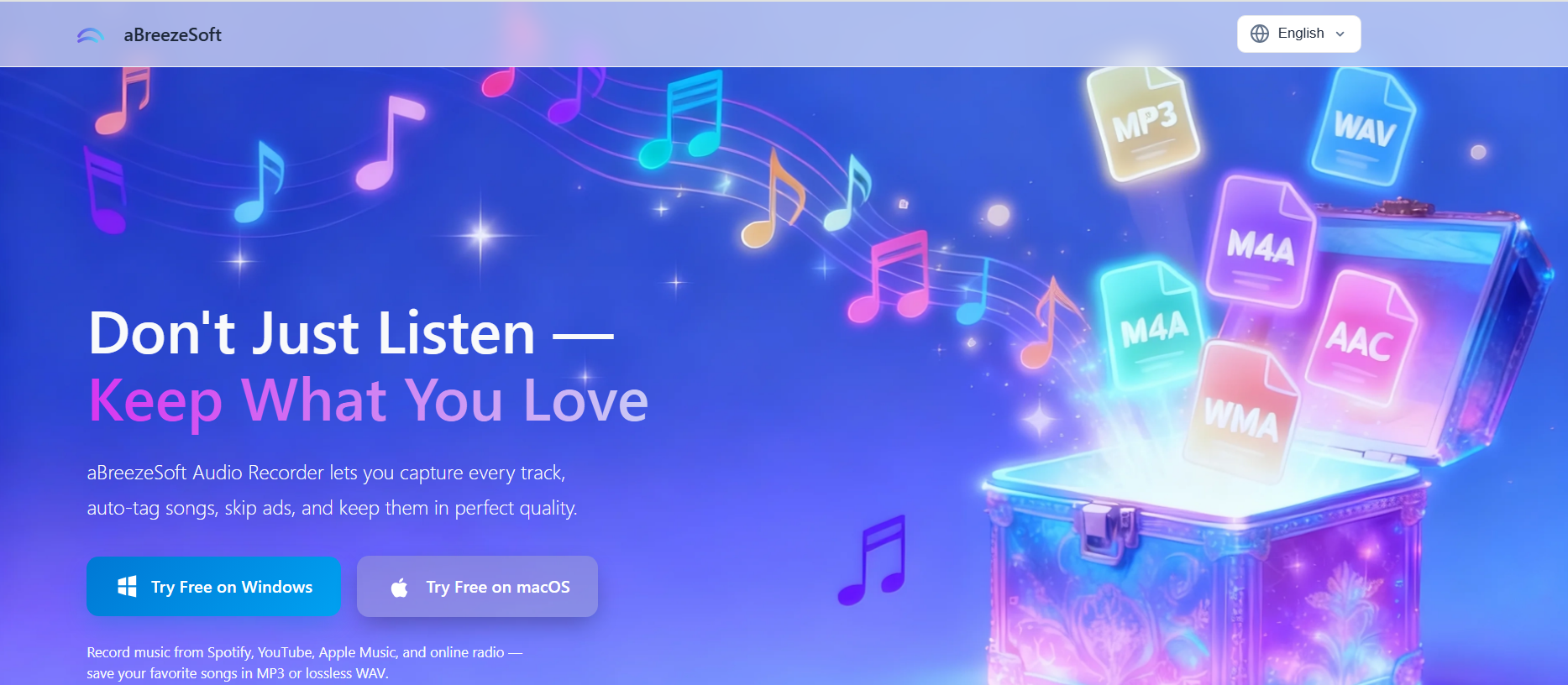
Abreezesoft Streaming Audio Recorder is a feature-rich solution and the best option for users who want to record streaming audio from popular platforms such as Spotify, YouTube Music, Apple Music, online radio stations, podcasts, and other web-based sources. Unlike many recording tools that require complicated setup procedures, Abreezesoft offers a beginner-friendly interface while still providing advanced recording and editing capabilities.
During testing, the software delivered consistently high-quality recordings and supported a wide range of output formats, making it suitable for both casual listeners and content creators. Features such as automatic song recognition, ID3 tag injection, and smart ad detection help streamline the recording process and reduce manual editing work.
Key Features:
- Records in MP3, FLAC, WAV, AAC, M4A, OGG, WMA, AIFF, and more
- High-quality capture, up to 320kbps MP3 plus lossless options
- Auto-tags song titles, artist names, album art, and genre
- Smart ad removal for cleaner music recordings
- Built-in editing: trim, adjust volume, add fades
- Multi-track recording for more advanced setups
Pros:
- Easy-to-use interface suitable for beginners
- Excellent audio quality with lossless recording options
- Automatic metadata tagging saves time
- Supports multiple audio formats
- Includes built-in editing and processing tools
Cons:
- Some advanced features may be unnecessary for users with basic recording needs
- Premium features require a paid version
Best For:
Abreezesoft is best for users looking for a reliable streaming audio recorder that combines high-quality recording, automatic organization, and built-in editing tools in a single application. It is particularly useful for recording streaming music, online radio broadcasts, podcasts, and other digital audio sources without sacrificing sound quality.
2. Audacity
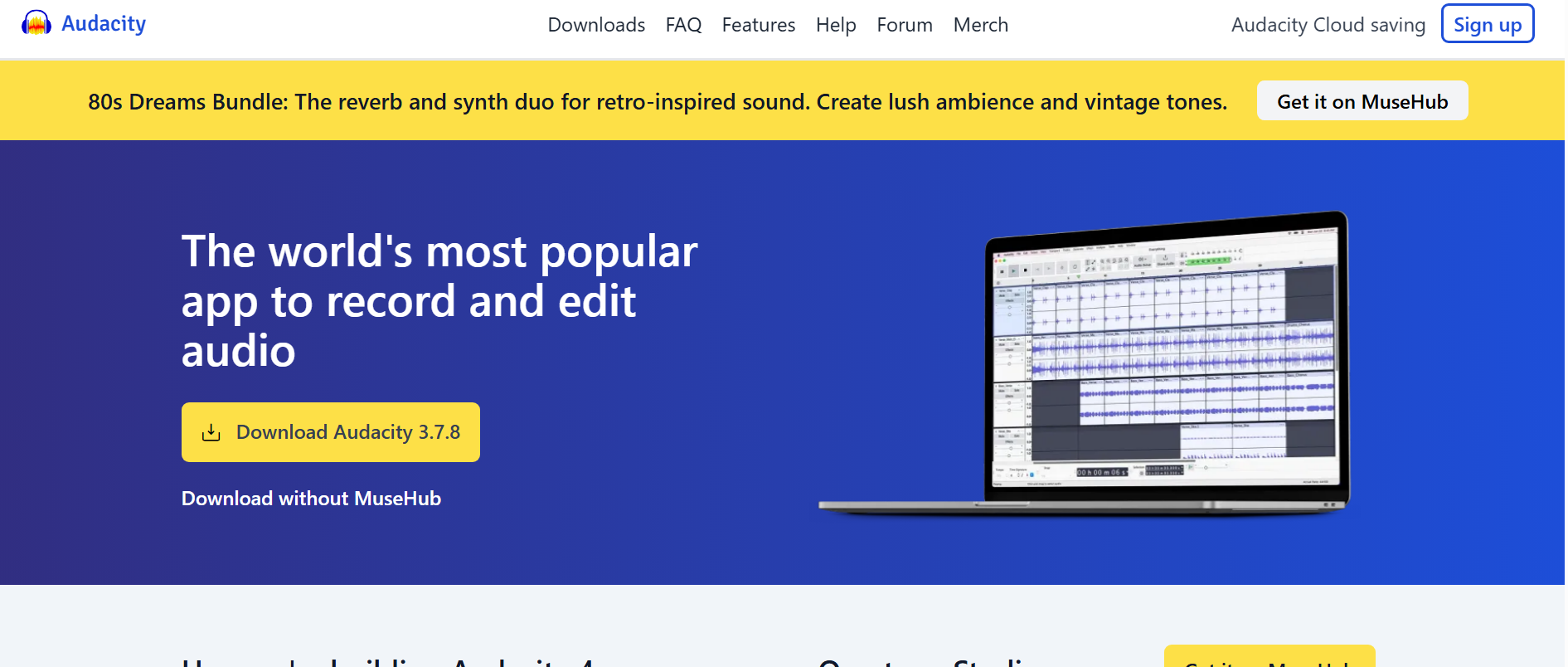
Audacity is one of the most popular free audio recording and editing applications available today. As an open-source tool, it has built a strong reputation among podcasters, musicians, students, and audio enthusiasts who need a capable streaming audio recorder without paying for premium software.
While Audacity is not specifically designed for recording streaming music, it can capture system audio on Windows and macOS when configured correctly. The software also offers advanced editing features, allowing users to trim recordings, remove background noise, adjust volume levels, and export audio in multiple formats. However, beginners may face a learning curve when setting up audio sources and navigating the extensive feature set.
For users who prioritize flexibility and powerful editing capabilities over automation, Audacity remains one of the best free streaming audio recorder options available in 2026.
Key Features:
- Free and open-source audio recording software
- Record system audio, microphone input, and external devices
- Multi-track audio editing and mixing
- Noise reduction and audio enhancement tools
- Supports WAV, MP3, OGG, FLAC, and other formats
- Large library of plugins and effects
Pros:
- Completely free to use
- Powerful audio editing capabilities
- Supports multiple audio formats
- Active community and regular updates
- Works on Windows, macOS, and Linux
Cons:
- Setup can be confusing for beginners
- No automatic song detection or ID3 tagging
- Lacks built-in ad removal features
- Interface feels dated compared to newer alternatives
Best For:
Audacity is best for users looking for a free streaming audio recorder with advanced editing tools. It is particularly well-suited for podcasters, musicians, and users who want full control over their recordings and don't mind spending time learning the software.
3. SoundTap Streaming Audio Recorder
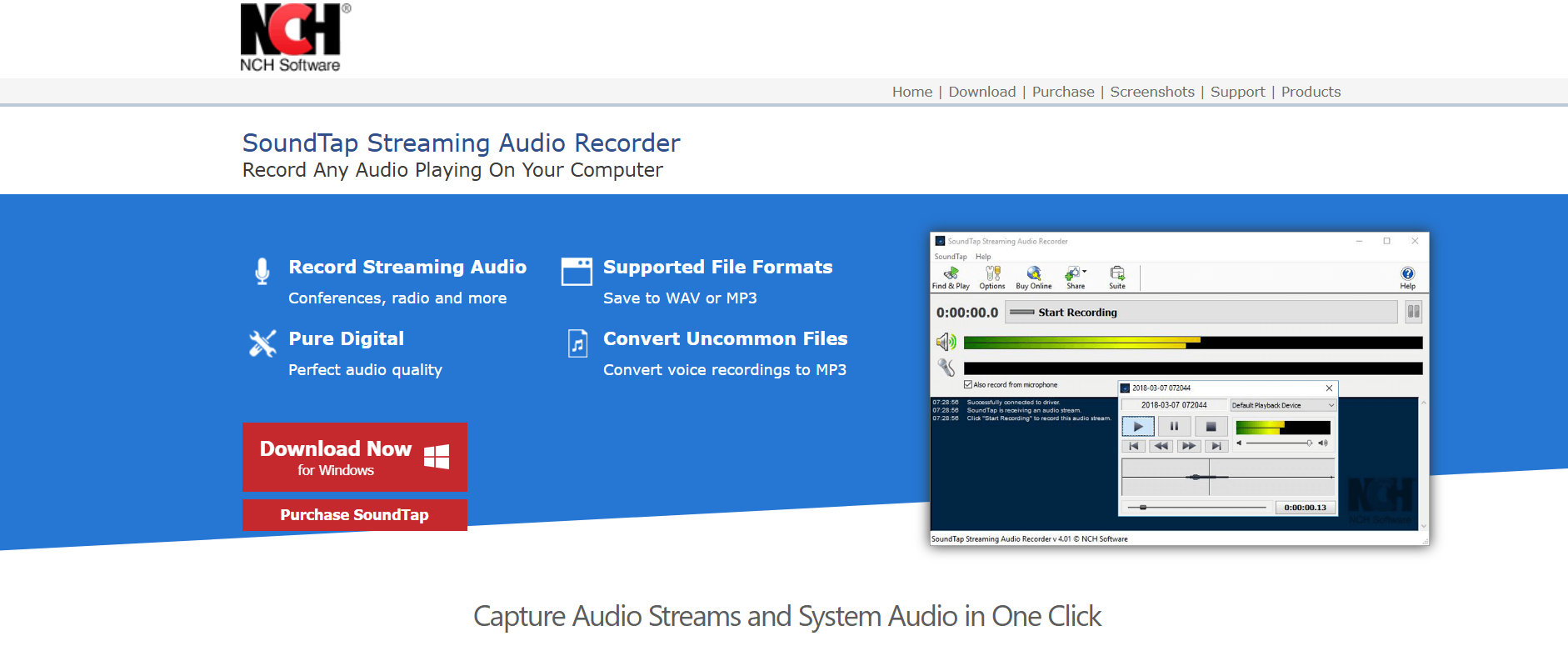
SoundTap is a dedicated streaming audio recorder designed for users who want a straightforward way to record streaming audio from online radio stations, music services, webinars, podcasts, and other digital sources. Unlike more advanced audio editing software, SoundTap focuses on making audio capture simple and accessible for beginners.
The software records audio directly as it plays through your computer, making it a convenient option for users who want to save streaming music or archive online broadcasts. It supports popular formats such as MP3 and WAV, allowing recordings to be easily shared or stored for future listening.
Key Features:
- Record streaming audio directly from your computer
- Capture audio from online radio, music platforms, and VoIP calls
- Save recordings in MP3 and WAV formats
- Simple setup and beginner-friendly interface
- Supports automatic file saving
Pros:
- Easy to install and use
- Reliable audio capture performance
- Suitable for beginners
- Lightweight software
Cons:
- Limited editing capabilities
- Fewer automation features than competitors
- Interface feels outdated
Best For:
Users looking for a simple streaming audio recorder for recording online radio, browser audio, and streaming music without a steep learning curve.
4. Apowersoft Streaming Audio Recorder
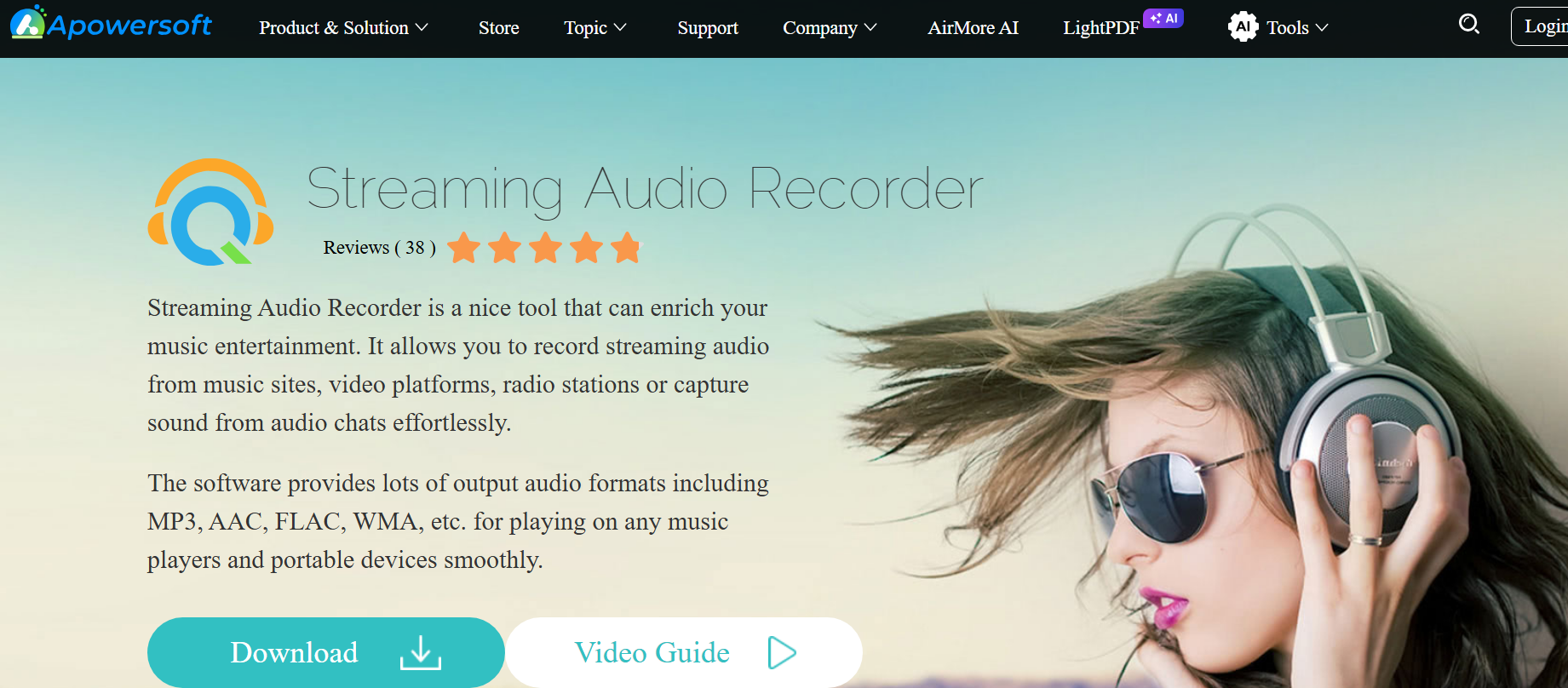
Apowersoft Streaming Audio Recorder combines audio recording, media organization, and basic editing tools in a single platform. It is designed for users who want to record streaming audio while automatically organizing recordings with song titles, artist information, and album details.
The software can capture audio from music streaming services, podcasts, internet radio stations, and browser-based media. One of its most useful features is automatic metadata recognition, which helps users build organized music libraries without manually editing files after recording. For users who frequently record streaming music and want additional organization features, Apowersoft offers a balanced mix of convenience and functionality.
Key Features:
- Record streaming audio from multiple online sources
- Automatic song recognition and ID3 tagging
- Built-in media library management
- Scheduled recording functionality
- Multiple export formats
Pros:
- Automatic metadata tagging
- Easy-to-use interface
- Good recording quality
- Useful scheduling features
Cons:
- Premium features require a paid version
- Editing tools are limited
- The interface could feel dated to some users
Best For:
Users who want a streaming audio recorder with automatic song identification and library management capabilities.
5. OBS Studio
OBS Studio is best known as a streaming and video production platform, but it also functions as a powerful audio stream recorder for advanced users. The software allows users to record streaming audio, desktop sound, microphone input, and multiple audio sources simultaneously.
Unlike dedicated music recording tools, OBS Studio offers extensive control over audio settings, recording quality, filters, and source management. This flexibility makes it popular among content creators, streamers, educators, and professionals who require more than basic audio capture functionality.
Although beginners may find the interface overwhelming at first, OBS Studio remains one of the most capable free streaming audio recorder solutions available in 2026.
Why We Chose It:
OBS Studio made our list because it provides professional-level recording controls without requiring a paid subscription.
Key Features:
- Free and open-source software
- Record system audio and desktop sound
- Advanced audio mixing tools
- Multiple audio source support
- Custom recording quality settings
Pros:
- Completely free
- Highly customizable
- Professional recording controls
- Regular software updates
Cons:
- Steeper learning curve
- No automatic song tagging
- More complex than dedicated audio recorders
Best For:
Advanced users, streamers, and content creators who need a free streaming audio recorder with professional audio controls and flexible recording options.
Part 3: Frequently Asked Questions
What is the best streaming audio recorder in 2026?
The best streaming audio recorder depends on your needs. For users looking for a balance of recording quality, ease of use, automatic metadata tagging, and built-in editing tools, Abreezesoft is our top overall pick. Audacity is a strong free alternative, while OBS Studio is better suited for advanced users who need professional recording controls.
Can I record streaming audio on Windows 11?
Yes. Most modern streaming audio recorder software supports Windows 11. Tools such as Abreezesoft, Audacity, SoundTap, Apowersoft, and OBS Studio can record system audio, online radio, podcasts, and streaming music directly from your computer.
Is there a free streaming audio recorder?
Yes. Audacity and OBS Studio are among the most popular free streaming audio recorder solutions available today. Both allow users to record streaming audio without purchasing a license, although they may require additional setup and lack some of the automation features found in dedicated recording software.
What audio format is best for recording streaming music?
For the highest possible quality, lossless formats such as WAV and FLAC are generally recommended. However, MP3 remains the most widely used format because it offers a good balance between audio quality and file size. Many streaming audio recorders support both lossless and compressed formats.
Is Audacity good for recording streaming audio?
Yes. Audacity is one of the best free tools for recording streaming audio and editing recordings afterward. It offers powerful audio editing features and supports multiple formats, although new users may need some time to learn its interface and recording settings.
Part 4: Conclusion
Finding the best streaming audio recorder comes down to your recording needs, preferred features, and budget. During our comparison, each tool offered unique strengths. Audacity remains an excellent free option for users who need powerful editing capabilities, while OBS Studio provides advanced recording controls for content creators and professionals. However, for most users looking to record streaming audio from music services, online radio stations, podcasts, and other digital sources, Abreezesoft Streaming Audio Recorder delivers the most balanced experience. Its high-quality audio capture, automatic metadata tagging, smart ad removal, and built-in editing tools make it a practical choice for both beginners and experienced users. Whether you need a simple audio stream recorder or a feature-rich solution for recording streaming music, the tools in this guide represent some of the best options available in 2026.