If you need to record streaming music, online radio, podcasts, webinars, or browser audio, you don't necessarily need to pay for premium software. Many free streaming audio recorders offer reliable audio capture, and some premium apps provide free trials with advanced features that may be worth considering.
However, not all free recorders deliver the same experience. Some require additional setup to capture system audio, while others limit export formats, editing capabilities, or recording quality. To help you make the right choice, we tested five popular streaming audio recorders across recording quality, ease of use, supported formats, editing features, Windows 11 compatibility, and overall value. If you're also considering premium options, be sure to read our guide to the Best Streaming Audio Recorder in 2026 , where we compare both free and paid solutions.
Part 1: Quick Comparison of the Best Free Streaming Audio Recorders
Before diving into the detailed reviews, here's a quick comparison of the best free streaming audio recorder software available in 2026.
| Free Streaming Audio Recorder | Best For | Completely Free | Audio Editing | Windows 11 Support |
|---|---|---|---|---|
| Audacity | Best Overall | ✓ Yes | Advanced | ✓ Yes |
| OBS Studio | Advanced Users | ✓ Yes | Basic | ✓ Yes |
| SoundTap Streaming Audio Recorder | Beginners | Free Trial | Limited | ✓ Yes |
| Apowersoft Streaming Audio Recorder | Automatic Song Tagging | Free Trial | Basic | ✓ Yes |
| Abreezesoft Streaming Audio Recorder | Premium Features | Free Trial | Advanced | ✓ Yes |
At a Glance:
Best Overall Free Streaming Audio Recorder: Audacity
Best for Advanced Users: OBS Studio
Best for Beginners: SoundTap Streaming Audio Recorder
Best for Automatic Song Tagging: Apowersoft Streaming Audio Recorder
Best Premium Upgrade: Abreezesoft Streaming Audio Recorder
Part 2: How We Tested These Free Streaming Audio Recorders?
To identify the best free streaming audio recorder software, we installed each tool on Windows 11 and tested its ability to record streaming music, YouTube Music, Spotify playback, internet radio stations, podcasts, and browser audio. We recorded 30-minute Spotify playlists, YouTube Music streams, podcasts, and internet radio broadcasts using each application to compare recording quality, supported formats, metadata accuracy, and ease of use.
Part 3: Top 5 Free Streaming Audio Recorders
Below are our top picks for users looking to record streaming audio without paying for premium software.
Audacity
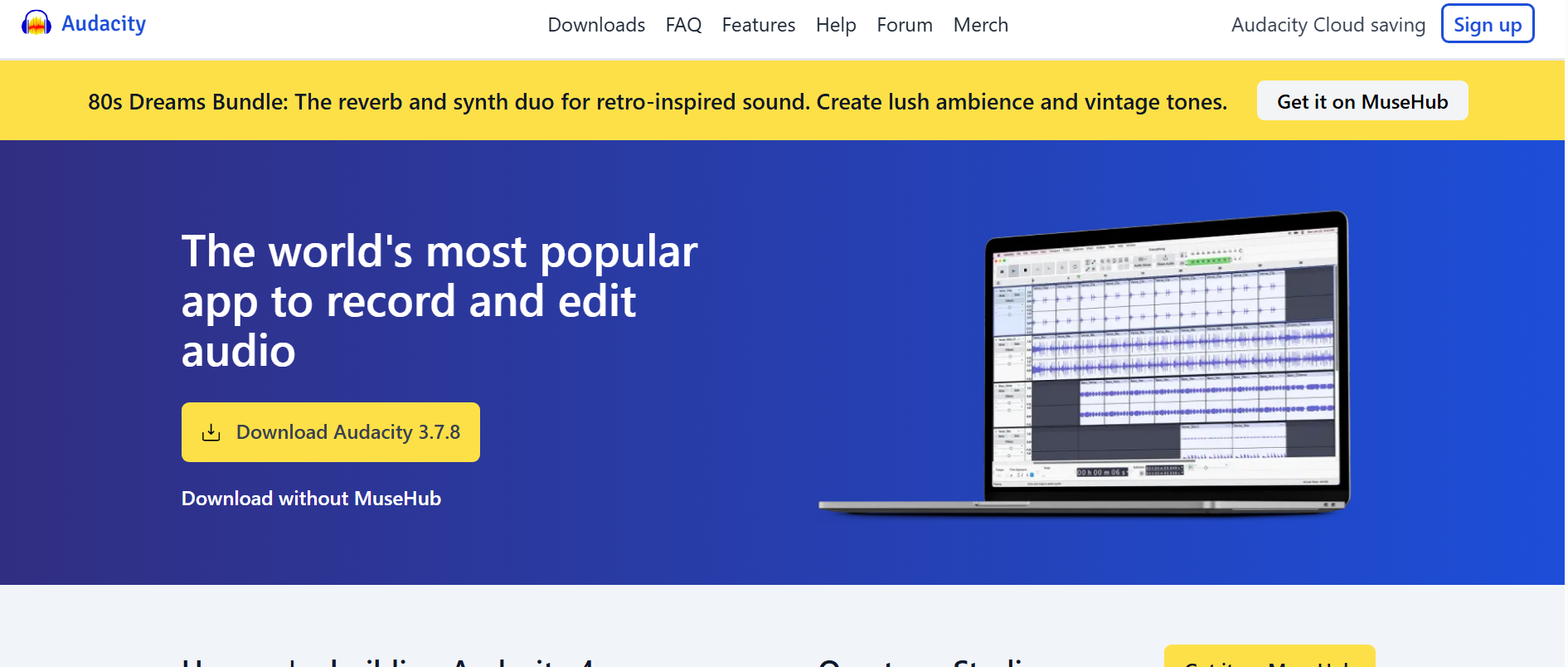
Audacity is our top pick for the best free streaming audio recorder in 2026. As a completely free and open-source application, it provides powerful recording and editing features without requiring a subscription or paid license. Whether you're recording streaming music, internet radio, podcasts, or browser audio, Audacity delivers reliable performance and professional-level editing tools.
Although Audacity isn't built specifically for recording streaming audio, it can capture system audio on Windows 11 and macOS when configured correctly. Once your recording is complete, you can trim unwanted sections, reduce background noise, normalize audio levels, and export your recordings in multiple formats, including MP3, WAV, FLAC, and OGG.
The interface isn't as beginner-friendly as some dedicated streaming audio recorders, and setting up system audio recording may take a few extra steps. However, for users willing to spend a little time learning the software, Audacity offers exceptional value and remains one of the most capable free audio recording solutions available today.
Key Features
- Completely free and open-source software
- Record system audio, microphone input, and external devices
- Multi-track audio editing and mixing
- Built-in noise reduction and audio enhancement tools
- Export recordings in MP3, WAV, FLAC, OGG, and more
- Available for Windows, macOS, and Linux
Pros
- 100% free with no subscription required
- Powerful editing capabilities
- Supports multiple audio formats
- Large plugin library and active community
- Regular software updates
Cons
- Initial setup can be confusing for beginners
- No automatic song recognition or metadata tagging
- Doesn't include built-in ad removal features
Best For
Users who want a completely free streaming audio recorder with professional editing tools and don't mind spending a little time learning the software.
OBS Studio
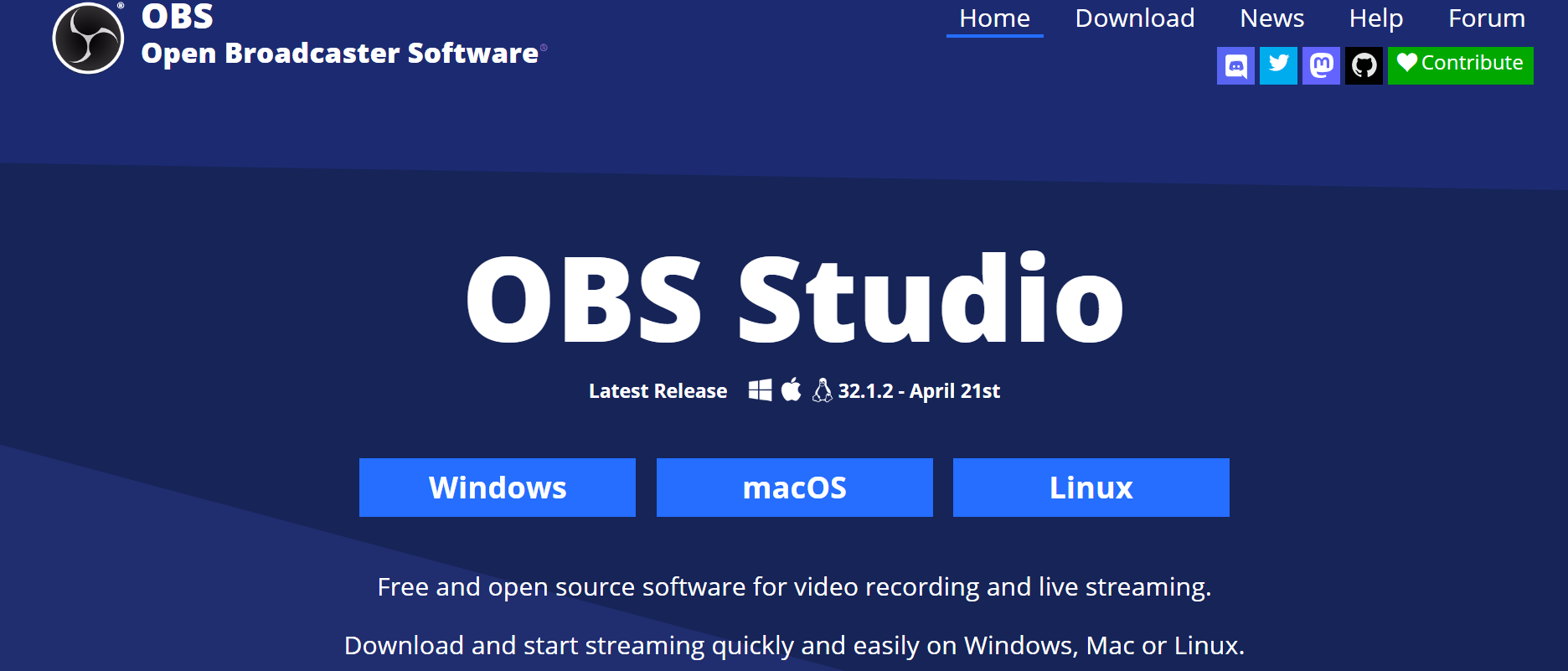
OBS Studio is best known for live streaming and screen recording, but it also serves as an excellent free streaming audio recorder for users who need greater control over audio capture. Unlike many free tools, OBS Studio allows you to record desktop audio, microphone input, and multiple audio sources simultaneously, making it a strong choice for creators and advanced users.
One of OBS Studio's biggest strengths is its flexibility. Users can customize recording quality, manage multiple audio tracks, apply filters, and fine-tune recording settings to match their workflow. Because it was designed for professional content creation rather than simple audio recording, the interface can feel overwhelming for first-time users.
If you need a free streaming audio recorder with advanced recording controls instead of automatic tagging or built-in music management, OBS Studio is one of the best options available.
Key Features
- Free and open-source software
- Record desktop audio and system sound
- Multi-source audio recording
- Advanced audio mixer and filters
- Custom recording quality settings
- Compatible with Windows, macOS, and Linux
Pros
- Completely free to use
- Highly customizable recording settings
- Excellent audio quality
- Frequent updates from an active development community
Cons
- Steeper learning curve
- No automatic metadata tagging
- Designed primarily for streaming rather than music recording
Best For
Content creators, streamers, and advanced users looking for a free streaming audio recorder with professional-level recording controls.
SoundTap Streaming Audio Recorder
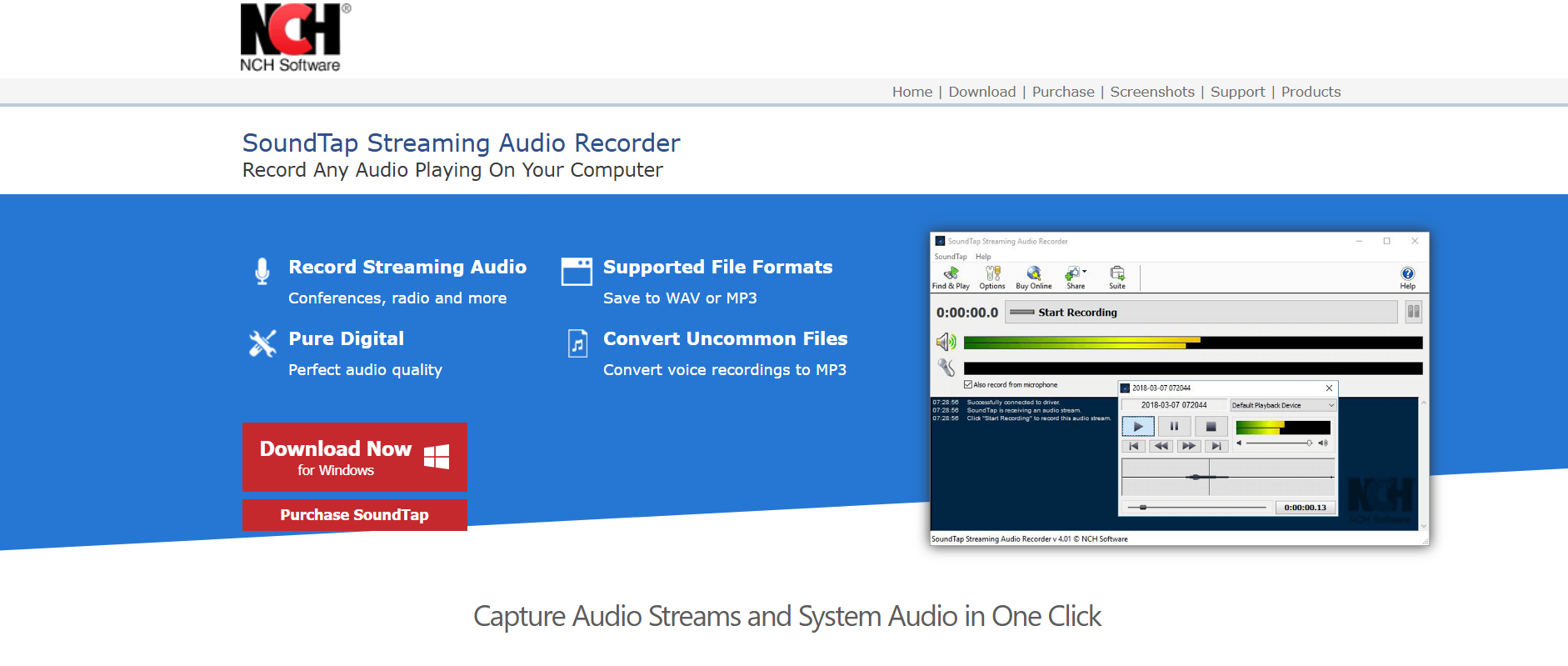
SoundTap offers a free trial that allows users to experience its core recording capabilities before purchasing a license. While it isn't completely free, it's still worth considering if you're looking for a simple streaming audio recorder with an easy setup process.
Unlike feature-heavy applications, SoundTap focuses on straightforward audio capture. It can record streaming music, internet radio, browser audio, and VoIP calls directly from your computer while saving recordings in common formats like MP3 and WAV. Its lightweight interface makes it particularly appealing to beginners who want to start recording without navigating complex settings.
The free trial has limitations compared to the paid version, but it provides enough functionality for users to evaluate whether the software meets their recording needs.
Key Features
- Record streaming audio from online sources
- Save recordings in MP3 and WAV formats
- Capture browser audio and internet radio
- Beginner-friendly interface
- Quick installation and setup
Pros
- Easy to use
- Lightweight software
- Reliable audio recording performance
- Ideal for beginners
Cons
- Free version is limited
- Limited editing capabilities
- Fewer advanced features than competing software
Best For
Beginners who want to try a dedicated streaming audio recorder before upgrading to a paid version.
Apowersoft Streaming Audio Recorder
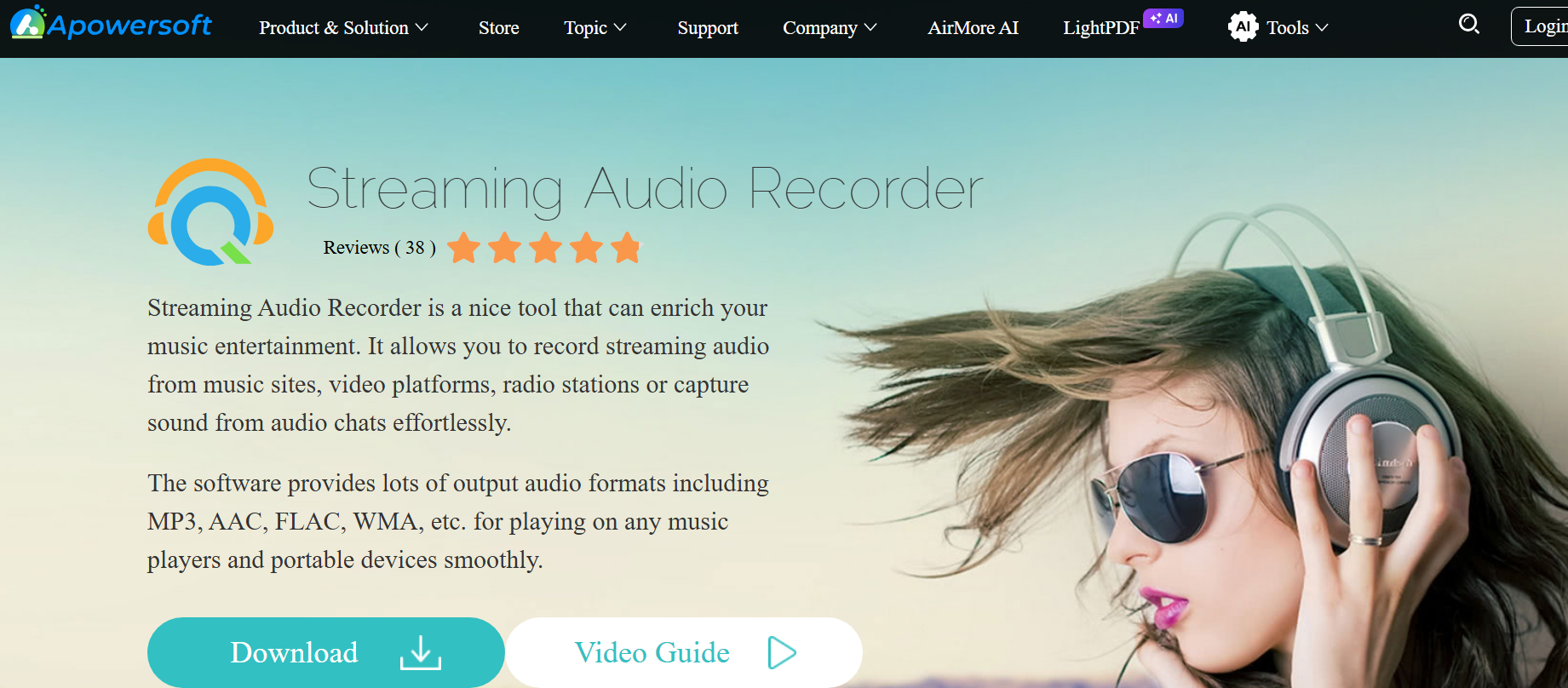
Apowersoft Streaming Audio Recorder offers a free trial that lets users explore its recording capabilities before upgrading to the full version. While it isn't completely free, its combination of audio recording and automatic media organization makes it a good choice for users who want more convenience than most free software provides.
The software can record streaming audio from music services, online radio stations, podcasts, and browser-based media while automatically recognizing song titles, artist names, and album information. It also includes scheduled recording, making it useful for capturing live broadcasts without needing to start recordings manually.
Although the free trial has feature limitations, it provides a good introduction to the software's recording quality and organization tools.
Key Features
- Record streaming audio from multiple online sources
- Automatic song recognition and ID3 tagging
- Built-in media library management
- Scheduled recording
- Multiple export formats
Pros
- Easy-to-use interface
- Automatic metadata tagging
- Good recording quality
- Useful scheduling features
Cons
- Free version has limitations
- Some advanced features require a paid license
- Editing tools are relatively basic
Best For
Users who want to try a streaming audio recorder with automatic song tagging and media library management before purchasing a full license.
Abreezesoft Streaming Audio Recorder
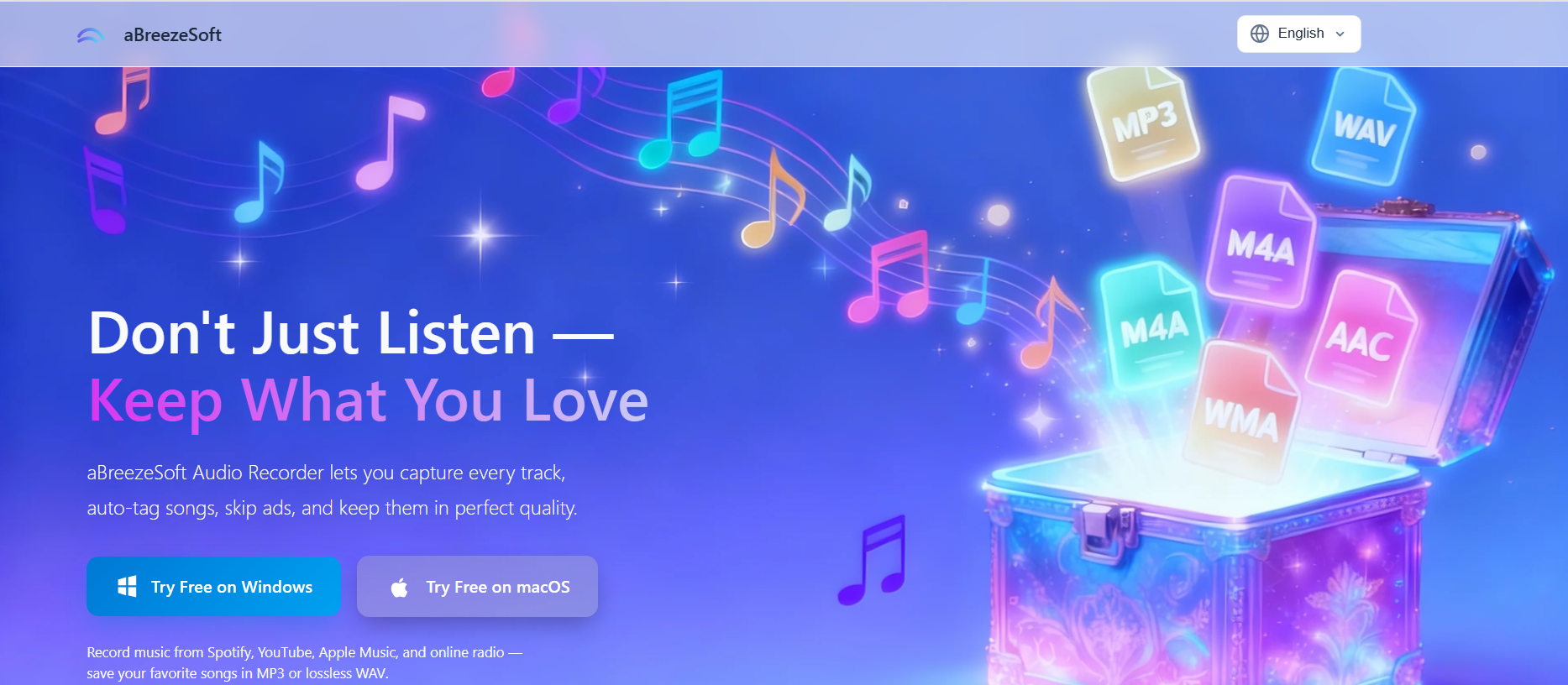
Although Abreezesoft Streaming Audio Recorder is a premium application, its free trial gives users the opportunity to experience many of its core recording features before deciding whether to upgrade. For users who outgrow basic free software, it offers one of the smoothest transitions to a feature-rich recording solution.
During our testing, Abreezesoft consistently delivered excellent recording quality while supporting popular platforms such as Spotify, YouTube Music, Apple Music, internet radio, podcasts, and other browser-based audio. Features like automatic ID3 tag recognition, smart ad removal, built-in audio editing, and support for multiple output formats make it stand out from many free alternatives.
If you only need occasional recordings, a completely free tool like Audacity may be enough. However, users looking for greater convenience, automation, and built-in organization will likely appreciate what Abreezesoft offers beyond the trial version.
Key Features
- Record streaming audio in MP3, FLAC, WAV, AAC, M4A, OGG, WMA, AIFF, and more
- Automatic song title and artist recognition
- Smart ad detection and removal
- Built-in audio editing tools
- Support for lossless recording formats
- Beginner-friendly interface
Pros
- Excellent recording quality
- Automatic metadata tagging
- Supports numerous audio formats
- Built-in editing tools
- Easy to use
Cons
- Full feature set requires a paid license
- Trial version has limitations
Best For
Users who begin with free software but want a premium streaming audio recorder that offers automatic organization, advanced recording features, and a simpler overall workflow.
Part 4: Which Free Streaming Audio Recorder Should You Choose?
Choosing between a free and paid streaming audio recorder depends on how often you record audio and the features you need. Free software is ideal for occasional recordings and basic editing, while paid solutions often provide a smoother experience with automation, better organization, and additional editing capabilities.
| Feature | Free Streaming Audio Recorders | Paid Streaming Audio Recorders |
|---|---|---|
| Recording Quality | Good to Excellent | Excellent |
| Audio Editing | Basic to Advanced | More Comprehensive |
| Metadata Tagging | Limited or Manual | Usually Automatic |
| Export Formats | Standard Formats | More Format Options |
| Technical Support | Community-Based | Dedicated Customer Support |
| Automation Features | Limited | More Advanced |
If you're just getting started, Audacity and OBS Studio provide everything most users need without spending any money. However, if you regularly record streaming music, podcasts, or internet radio and value automatic song tagging, built-in editing, and a more streamlined workflow, upgrading to dedicated software can save time and improve your overall experience.
Part 5: Frequently Asked Questions
What is the best free streaming audio recorder?
Audacity is our top recommendation for the best free streaming audio recorder in 2026. It offers professional-quality recording and editing features, supports multiple audio formats, and is completely free to use. OBS Studio is another excellent choice for users who need advanced recording controls.
Is Audacity completely free?
Yes. Audacity is free and open-source software with no subscription fees or hidden charges. You can record, edit, and export audio without purchasing a license.
Can I record streaming music for free?
Yes. Free tools such as Audacity and OBS Studio allow you to record streaming music, internet radio, podcasts, and browser audio. Depending on the software, you may need to configure system audio settings before recording.
Which free streaming audio recorder works best on Windows 11?
Audacity and OBS Studio both work well on Windows 11 and support recording system audio. If you prefer a simpler interface with additional automation features, you can also explore free trials offered by dedicated recording software such as Abreezesoft and Apowersoft.
Do free streaming audio recorders reduce audio quality?
Not necessarily. Many free streaming audio recorders can capture high-quality audio when configured correctly. However, premium software often includes additional features such as lossless recording options, automatic metadata tagging, and built-in audio enhancement tools that improve the overall recording experience.
Part 6: Conclusion
The best free streaming audio recorder ultimately depends on how you plan to use it. If you're looking for a completely free solution with powerful editing capabilities, Audacity remains our top recommendation. OBS Studio is an excellent choice for advanced users who need greater control over recording settings and multiple audio sources.
For users who want to go beyond the limitations of free software, trial versions of SoundTap, Apowersoft, and Abreezesoft provide an opportunity to explore premium features before committing to a purchase. Among them, Abreezesoft Streaming Audio Recorder stands out for its high-quality audio capture, automatic metadata tagging, built-in editing tools, and user-friendly experience.
If you're still deciding between free and premium software, check out our Best Streaming Audio Recorder in 2026 guide, where we compare the top recording tools in greater detail and help you choose the right solution for your needs.