Table of Contents
- What Is Automatic ID3 Tagging?
- 5 Best Audio Recorders with Automatic ID3 Tagging
- Comparison Table
- Conclusion
Introduction
When recording music from streaming services, online radio stations, or podcasts, organizing your audio files can be just as important as recording them. Without proper metadata, your recordings may end up with generic file names and missing information, making them difficult to identify later.
That's where automatic ID3 tagging comes in. This feature automatically adds details such as the song title, artist, album, genre, and even album artwork to your recorded files, helping you maintain a well-organized music library. In this article, we'll review the best audio recorders with automatic ID3 tagging, compare their features, and help you choose the right tool for recording and managing audio effortlessly.
Part 1: What Is Automatic ID3 Tagging?
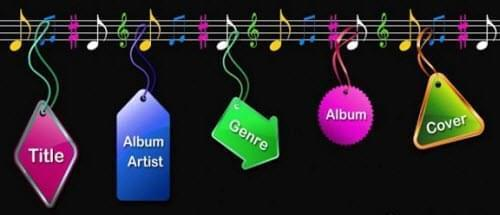
ID3 tags are metadata stored within audio files that provide important information about a song or recording. They help media players display and organize music correctly. Common ID3 tag information includes:
- Song Title: The name of the track.
- Artist: The performer or creator of the audio.
- Album: The album or collection the track belongs to.
- Genre: The category of music, such as Pop, Rock, or Jazz.
- Year: The release or recording year.
- Album Artwork: The cover image associated with the song or album.
Why Automatic ID3 Tagging Matters?
Automatic ID3 tagging saves users from manually entering metadata after recording audio. It offers several benefits:
- Easier Library Management: Keeps music collections organized and searchable.
- Better Playback Experience: Displays accurate track information and artwork during playback.
- Compatibility with Music Players: Ensures recordings work seamlessly with media players, smartphones, and car audio systems.
- Saves Time: Automatically identifies and tags recordings, eliminating tedious manual editing.
Part 2: 5 Best Audio Recorders with Automatic ID3 Tagging
Below is the list of the five of the best audio recorders with automatic ID3 tagging that can help you capture audio, organize metadata, and maintain a well-structured music library.
1. aBreezeSoft Audio Recorder
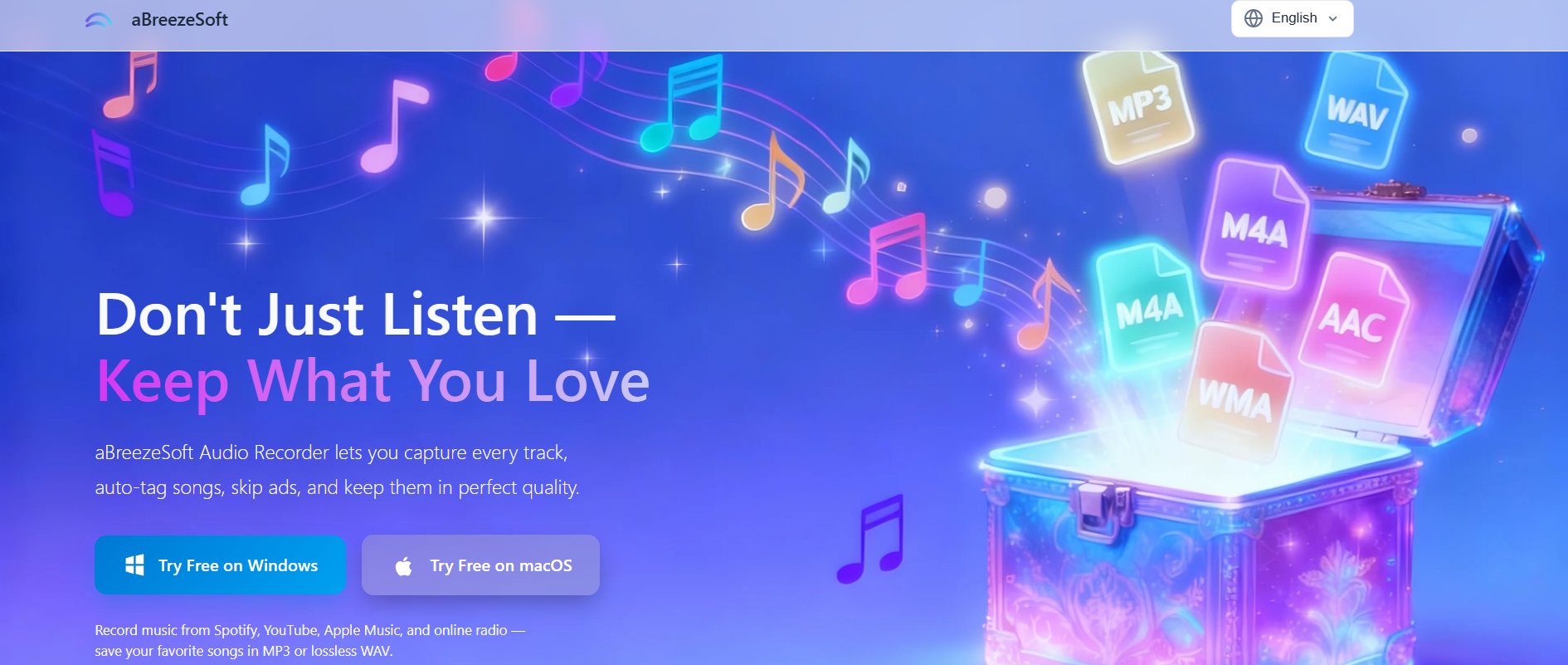
aBreezeSoft Audio Recorder is one of the best audio recorders with automatic ID3 tagging for users who frequently save music from streaming platforms. It can record audio from Spotify, YouTube Music, Apple Music, online radio stations, and other sources while automatically detecting and adding song metadata. The software identifies track titles, artists, albums, genres, release years, and even album artwork, making it easy to build a well-organized music library.
In addition to automatic ID3 tag injection, aBreezeSoft Audio Recorder supports high-quality audio recording in multiple formats, including MP3, WAV, FLAC, AAC, OGG, WMA, AIFF, and Opus. Its smart ad removal technology can automatically skip audio advertisements, while the built-in editing tools allow users to trim recordings, normalize volume, and export files in various formats. With its simple interface and powerful automation features, it is an excellent choice for both casual listeners and music enthusiasts.
Pros:
- Automatic ID3 tag detection and metadata injection
- Captures song title, artist, album, genre, year, and album artwork
- Records music from Spotify, YouTube Music, Apple Music, and online radio
- Supports MP3, WAV, FLAC, AAC, OGG, WMA, AIFF, and more
- Smart ad detection and removal
- Built-in lossless audio editing tools
- User-friendly interface suitable for beginners
Cons:
- Desktop Installation required
How to Create an Offline Music Library from Spotify with Automatic ID3 Tagging?
Step 1: Download and install aBreezeSoft Audio Recorder on your Windows or Mac device. After installation is finished, open the software to start setting up your Spotify recording session.
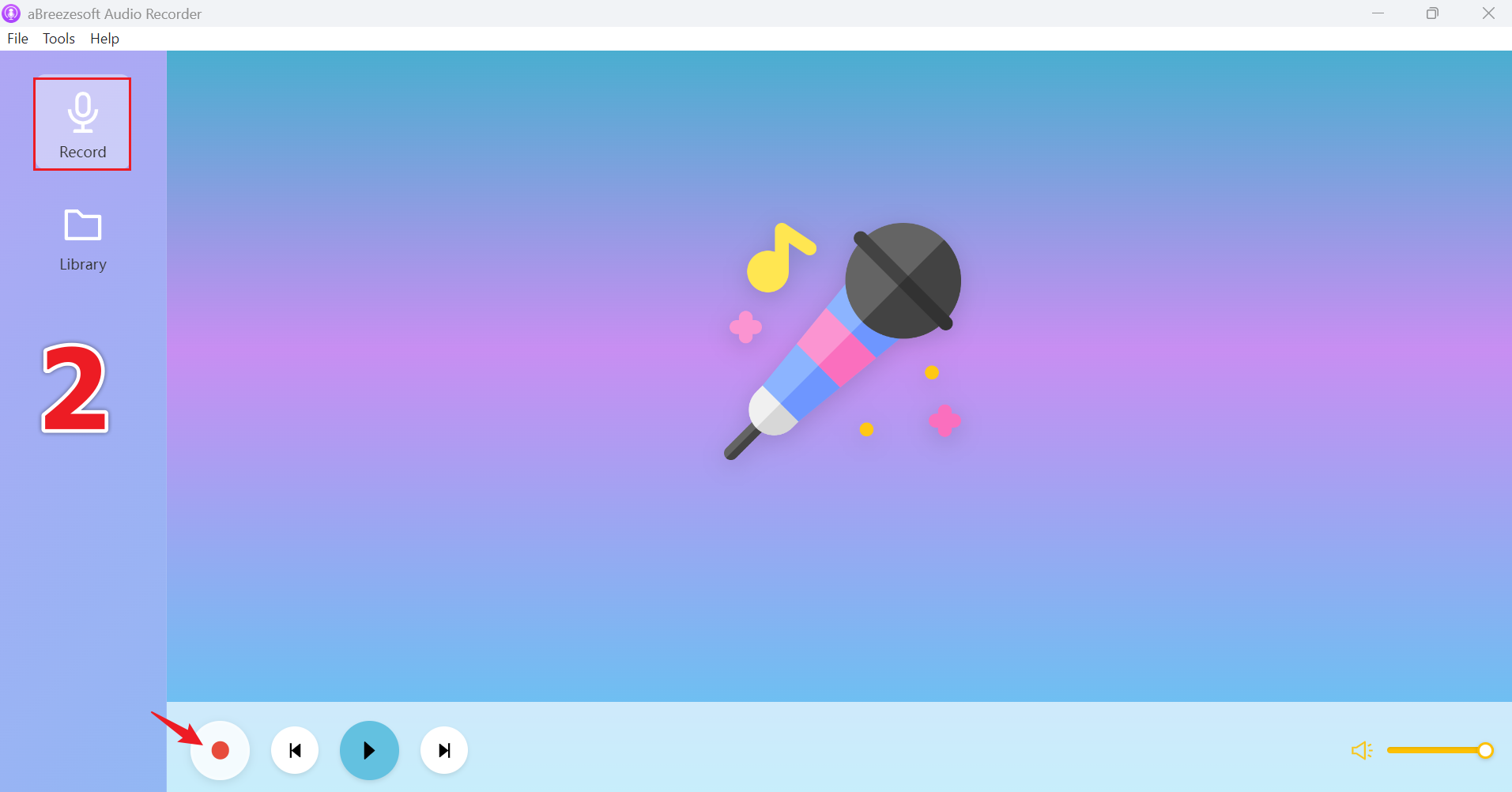
Step 2: Once the program opens, you'll land on the main dashboard. From there, go to the "Record" section in the menu and click the red Record button to activate audio capture from your system.
Step 3: Open your preferred music streaming service and start playback. aBreezeSoft Audio Recorder will automatically capture the audio stream and detect available song metadata during recording.
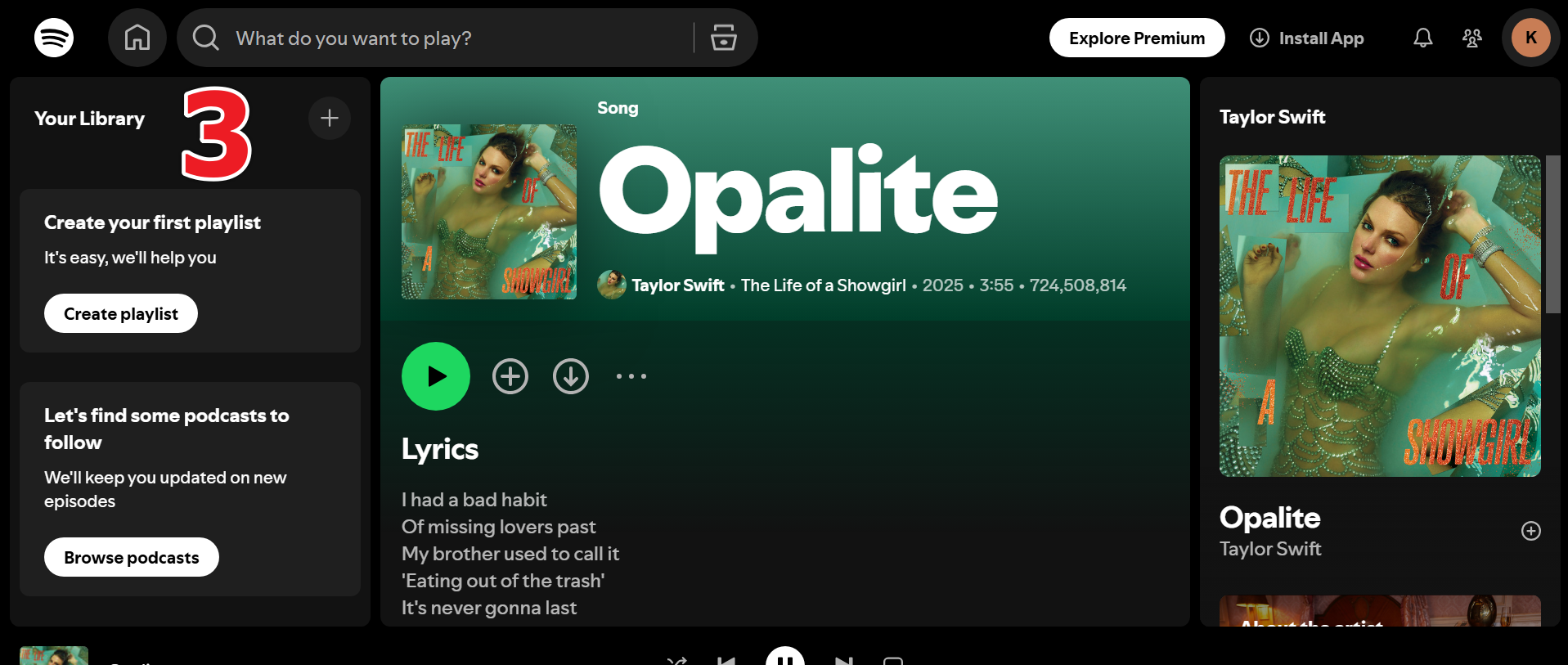
Step 4: When the recording is complete, click Stop. The software will save the audio file and automatically add available ID3 tags, including song title, artist, album, genre, and album artwork.
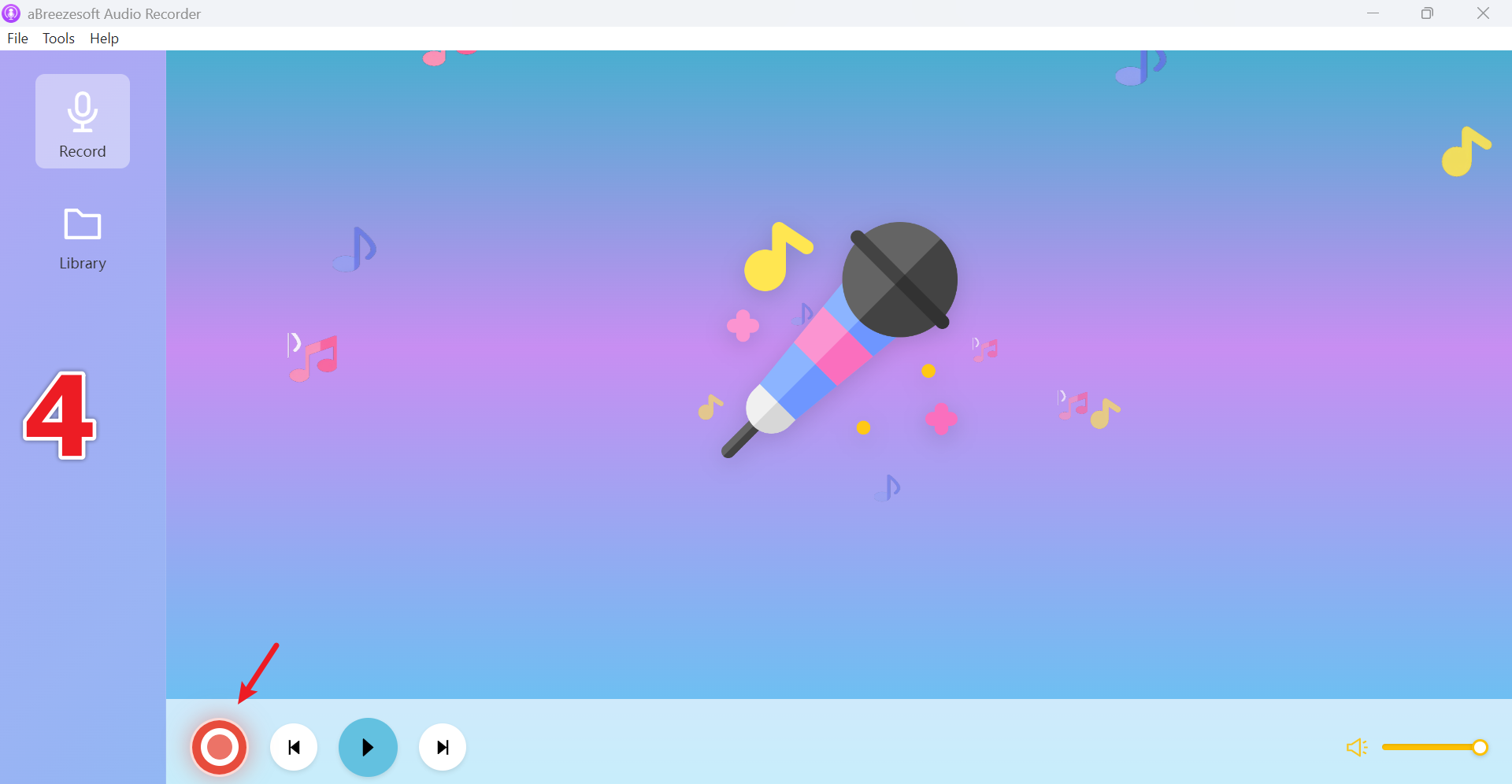
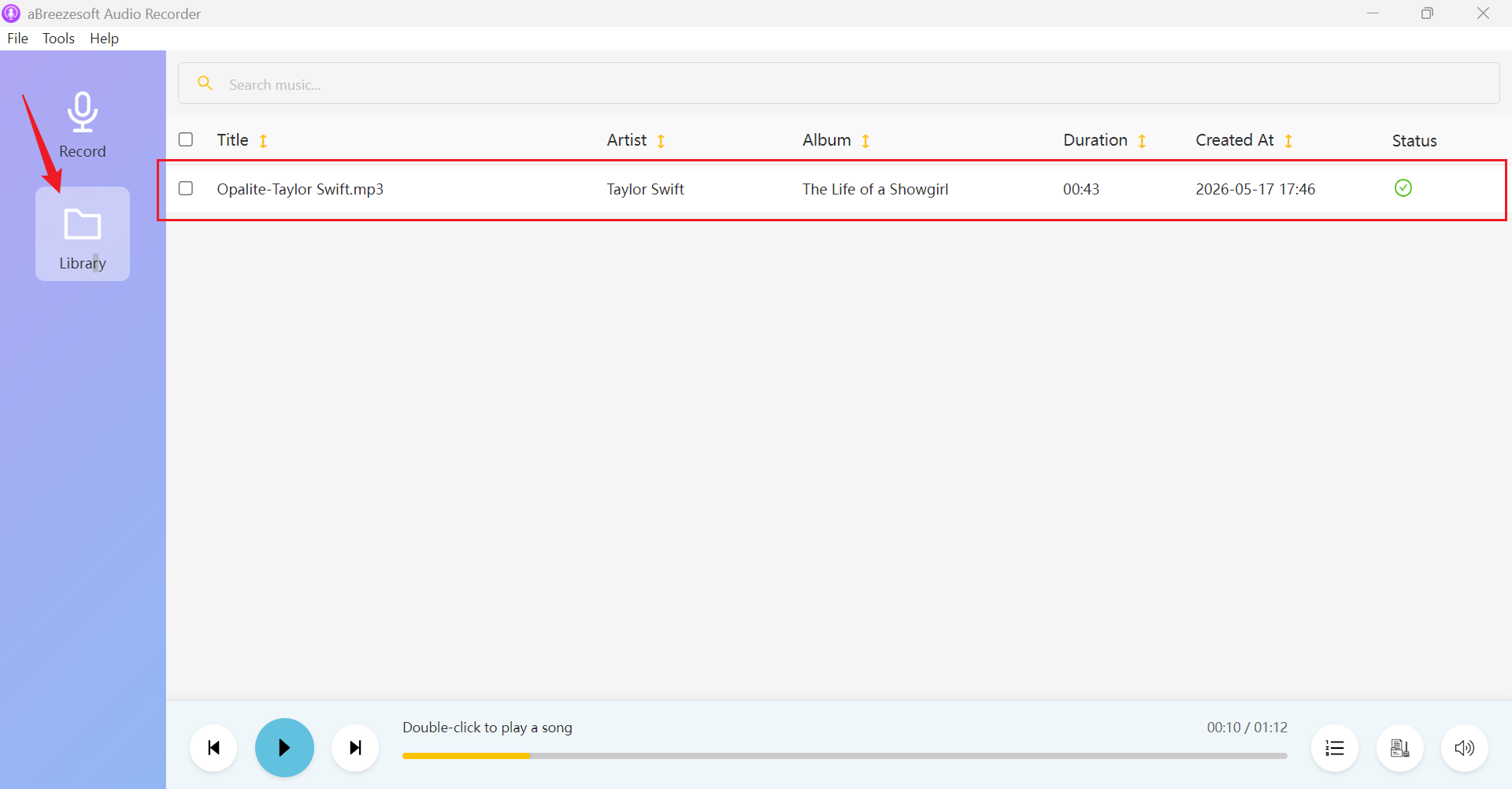
Step 5: Go to the Library section to view all recorded tracks. You can listen to recordings, edit metadata if needed, or right-click a file and select Open File Location to access it directly on your computer.
2. Apowersoft Streaming Audio Recorder
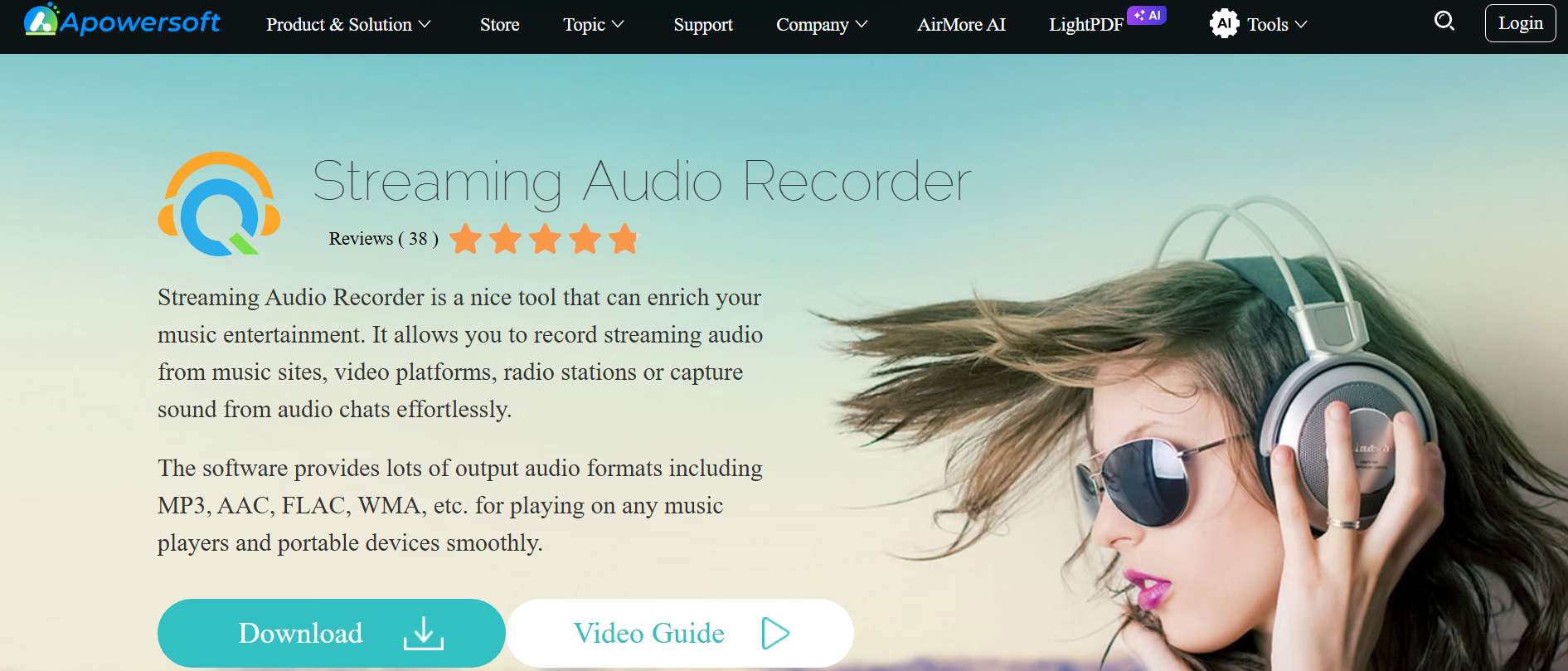
Apowersoft Streaming Audio Recorder is a versatile tool designed for capturing audio from music streaming platforms, internet radio stations, VoIP calls, and other online sources. It can automatically identify recorded songs and add basic metadata, helping users organize their music collections more efficiently. The software also includes audio conversion and editing features.
Pros:
- Supports recording from various streaming sources
- Automatic song recognition and metadata tagging
- Built-in audio converter and editor
- User-friendly interface
Cons:
- Metadata recognition is not always accurate
- Limited advanced editing capabilities
3. Wondershare DemoCreator

Wondershare DemoCreator Audio Recorder is a high-quality audio recording feature. Users can capture system audio, microphone input, and streaming content while editing recordings afterward. Although its metadata tagging features are not as advanced as those of dedicated music recorders, it remains a useful option for content creators.
Pros:
- Combines screen and audio recording
- Easy-to-use editing tools
- Supports multiple export formats
- Suitable for tutorials and content creation
Cons:
- Not specifically designed for music recording
- Limited automatic ID3 tagging support
4. SoundTap Streaming Audio Recorder
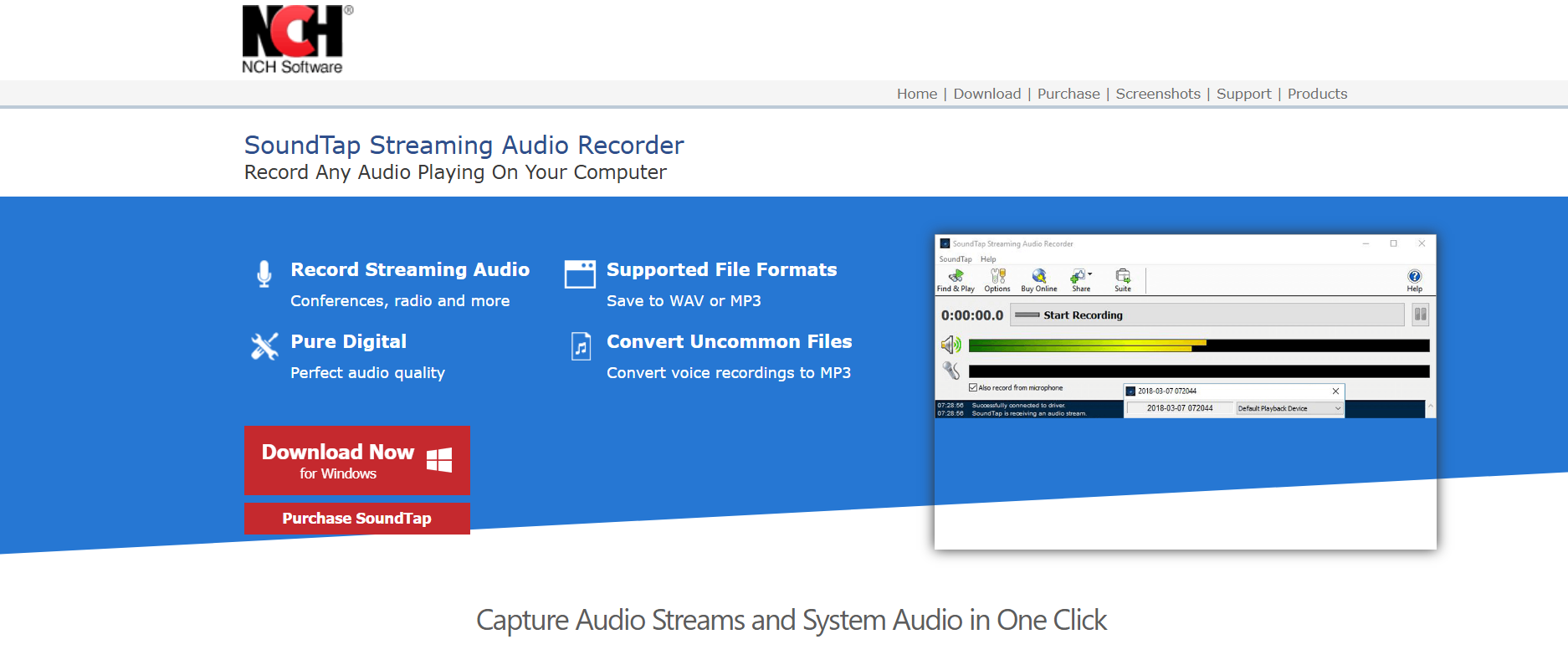
SoundTap Streaming Audio Recorder records virtually any audio played on a computer, including streaming music, online radio, podcasts, and VoIP calls. It supports multiple output formats and offers reliable recording performance. However, users may need additional tools for advanced metadata management.
Pros:
- Records all system audio sources
- Supports several output formats
- Lightweight and easy to use
- Suitable for music and podcast recording
Cons:
- Limited automatic ID3 tagging features
- Basic user interface
5. Audacity + Metadata Editor
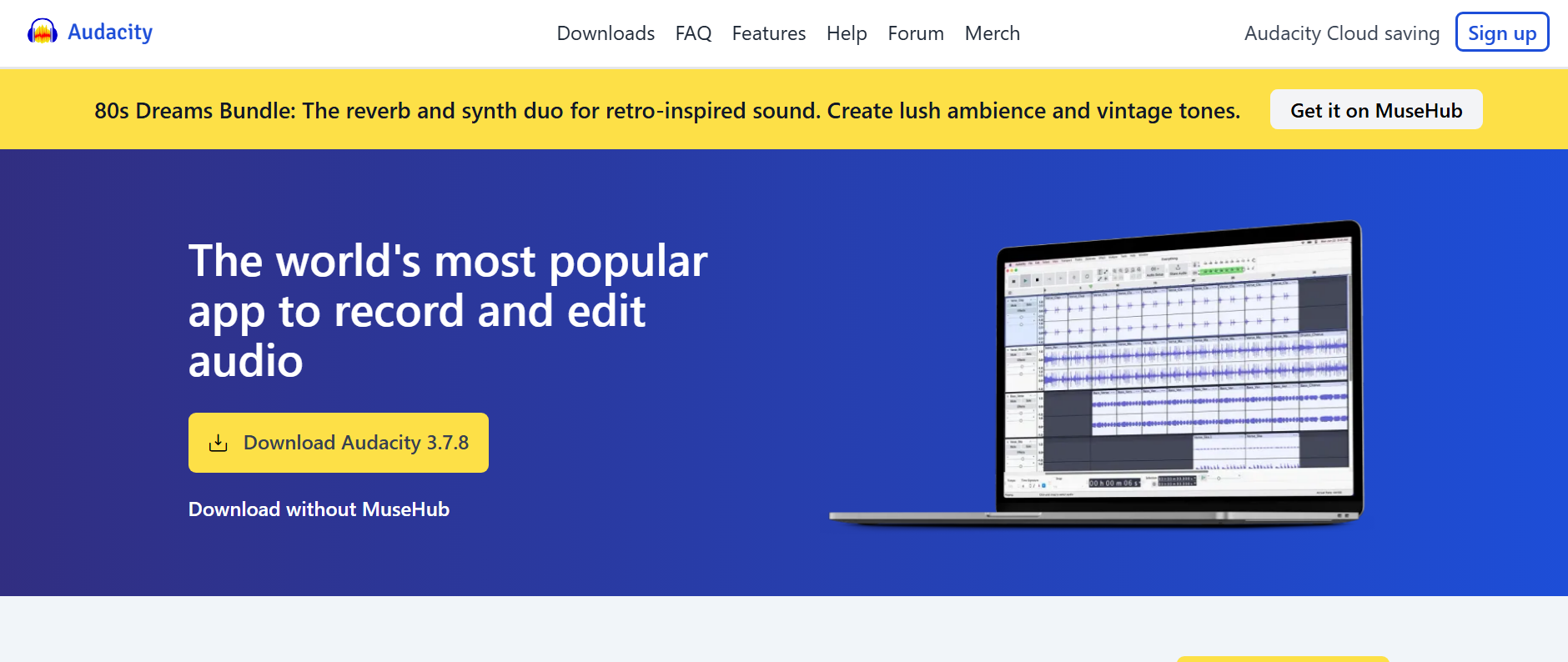
Audacity is one of the most popular free audio recording and editing applications available. While it does not provide automatic ID3 tagging during recording, users can manually add metadata using Audacity's built-in metadata editor or third-party tagging software. It offers extensive editing capabilities and is widely used by audio enthusiasts.
Pros:
- Completely free and open source
- Powerful audio editing tools
- Supports multiple audio formats
- Large community and extensive tutorials
Cons:
- No automatic ID3 tag detection
- Metadata must be added manually
- Steeper learning curve for beginners
Comparison Table: Best Audio Recorders with Automatic ID3 Tagging
After reviewing the strengths and limitations of each tool, it's easier to see which recorder best fits your needs. The comparison table below highlights the key differences in ID3 tagging capabilities, supported formats, editing features, and overall use cases to help you make an informed decision.
| Tool | Automatic ID3 Tagging | Supported Formats | Audio Editing | Ad Removal | Best For |
|---|---|---|---|---|---|
| aBreezeSoft Audio Recorder | Advanced | MP3, WAV, FLAC, AAC, OGG, WMA, AIFF, Opus | Built-in | Yes | Recording streaming music with automatic metadata |
| Apowersoft Streaming Audio Recorder | Basic | MP3, AAC, WMA, and more | Basic | No | Recording online audio and internet radio |
| Wondershare DemoCreator | Limited | MP3, WAV, and more | Advanced | No | Screen and audio recording for content creators |
| SoundTap Streaming Audio Recorder | Limited | MP3, WAV | Basic | No | Capturing system audio and podcasts |
| Audacity + Metadata Editor | Manual Only | MP3, WAV, FLAC, OGG, and more | Professional | No | Free audio recording and editing |
Conclusion
Automatic ID3 tagging is a huge time-saver. It fills in the song title, artist, album, genre, year, and cover art for you, so you don't have to do it by hand. Your music stays organized and plays more smoothly with media players, phones, and car stereos. Out of everything we looked at, aBreezeSoft Audio Recorder is the best all-around pick if you record a lot of music from places like Spotify, YouTube Music, Apple Music, or online radio. It automatically tags your tracks, strips out ads, supports several audio formats, and even includes basic editing tools. So whether you just listen casually or you're serious about building a music collection, having a recorder that gets your metadata right makes the whole process a lot easier.