Table of Contents
- What Makes a Good Spotify Audio Recorder?
- How We Evaluated These Spotify Audio Recorders?
- 5 Best Spotify Audio Recorder Reviews
- FAQs
- Conclusion
Introduction
Spotify offline downloads only work inside the app, which is why many users look for Spotify audio recorders that can save music as local files for more flexible listening. Whether it's building an offline music library, saving playlists for travel, or keeping songs in MP3 or FLAC format, the right recorder can make a big difference in audio quality and organization.
In this article, we will share the best Spotify audio recorders for high-quality music capture, including tools that support playlist recording, metadata tagging, and multiple audio formats.
What Makes a Good Spotify Audio Recorder?
A good Spotify audio recorder should do more than simply capture sound. The best tools preserve audio quality, organize music properly, and make it easier to manage large playlists as local files.
When comparing Spotify music recorders, users usually focus on:
- Audio quality support (MP3, FLAC, WAV)
- Playlist and batch recording
- Automatic track separation
- ID3 metadata tagging
- Stable recording performance
- Ad skipping support
- File organization features
- Compatibility with Windows and macOS
For users building an offline music collection, features like metadata detection and clean playlist recording are often just as important as sound quality itself.
How We Evaluated These Spotify Audio Recorders?
To compare the best Spotify audio recorders fairly, we focused on the features that matter most for everyday music listening and offline library management. Each tool was evaluated based on:
- Recording quality and bitrate support
- Available output formats
- Playlist recording capabilities
- Metadata and album artwork support
- Track detection accuracy
- Ease of use for beginners
- Recording stability during long sessions
- Music library organization features
We also considered how well each recorder handles real-world usage, especially for users who regularly save Spotify playlists, organize local music files, or transfer songs across devices.
Quick Comparison Table
| Tool | Audio Quality | Formats | Playlist Recording | Metadata Support | Best For |
|---|---|---|---|---|---|
| aBreezeSoft Audio Recorder | Up to 320kbps / Lossless | MP3, FLAC, WAV, M4A & more | Yes | Full ID3 Tags | Overall music library management |
| Audacity | High | WAV, MP3 | Manual | Limited | Free manual recording |
| Wondershare DemoCreator | Good | MP3, WAV | Partial | Basic | Casual recording |
| Leawo Music Recorder | High | MP3, WAV | Yes | Yes | Playlist capture |
| Cinch Audio Recorder | Good | MP3 | Yes | Basic | Simple MP3 recording |
5 Best Spotify Audio Recorder Reviews
Below, we will list the 5 best audio recorder reviews for you.
1. aBreezeSoft Audio Recorder — Best Overall for Music Libraries
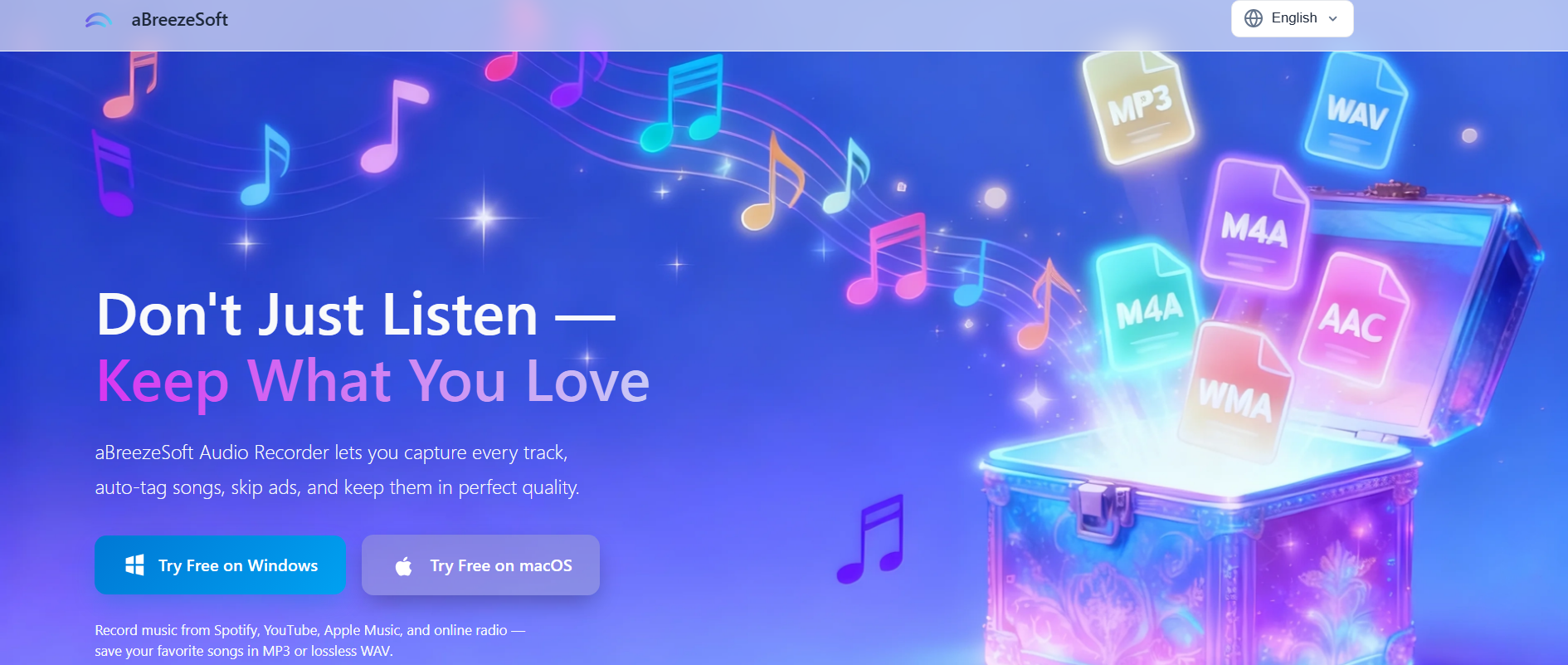
aBreezeSoft Audio Recorder is designed for users who want to go beyond basic Spotify recording and build a structured offline music library. It captures Spotify music in multiple formats like MP3, FLAC, WAV, M4A, and AAC, giving flexibility for both high-quality and storage-friendly setups.
Its main strength is automatic music organization. During playlist recording, it can detect individual tracks, split them automatically, and add metadata such as artist name, album, genre, and cover art. This makes it much easier to manage recorded Spotify playlists as a proper music collection. It also performs well for long recording sessions, making it suitable for full playlists, albums, or continuous streaming capture without interruption.
Key Features:
- Records Spotify music in MP3, FLAC, WAV, M4A, AAC and more
- Automatic track separation during playlist recording
- Built-in ID3 metadata tagging (artist, album, genre, artwork)
- Real-time system audio capture
- Ad skipping for cleaner recordings
- Supports long recording sessions (playlists & albums)
- Flexible export options for different devices and storage needs
- Helps organize music into a structured offline library
How to Create an Offline Music Library from Spotify (Step-by-Step Guide)
Step 1: Download and install aBreezeSoft Audio Recorder on your Windows or Mac device. After installation is finished, open the software to start setting up your Spotify recording session.
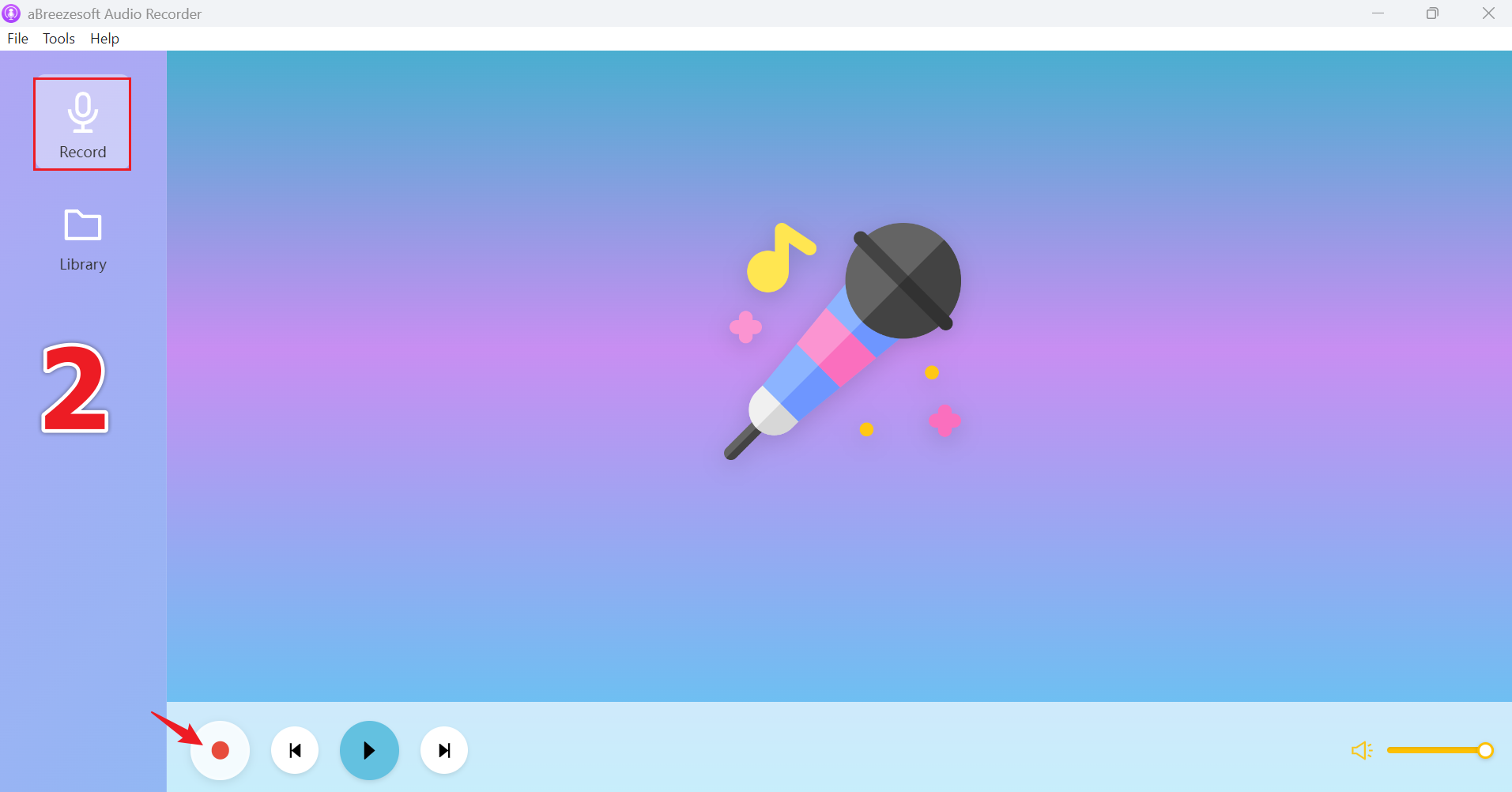
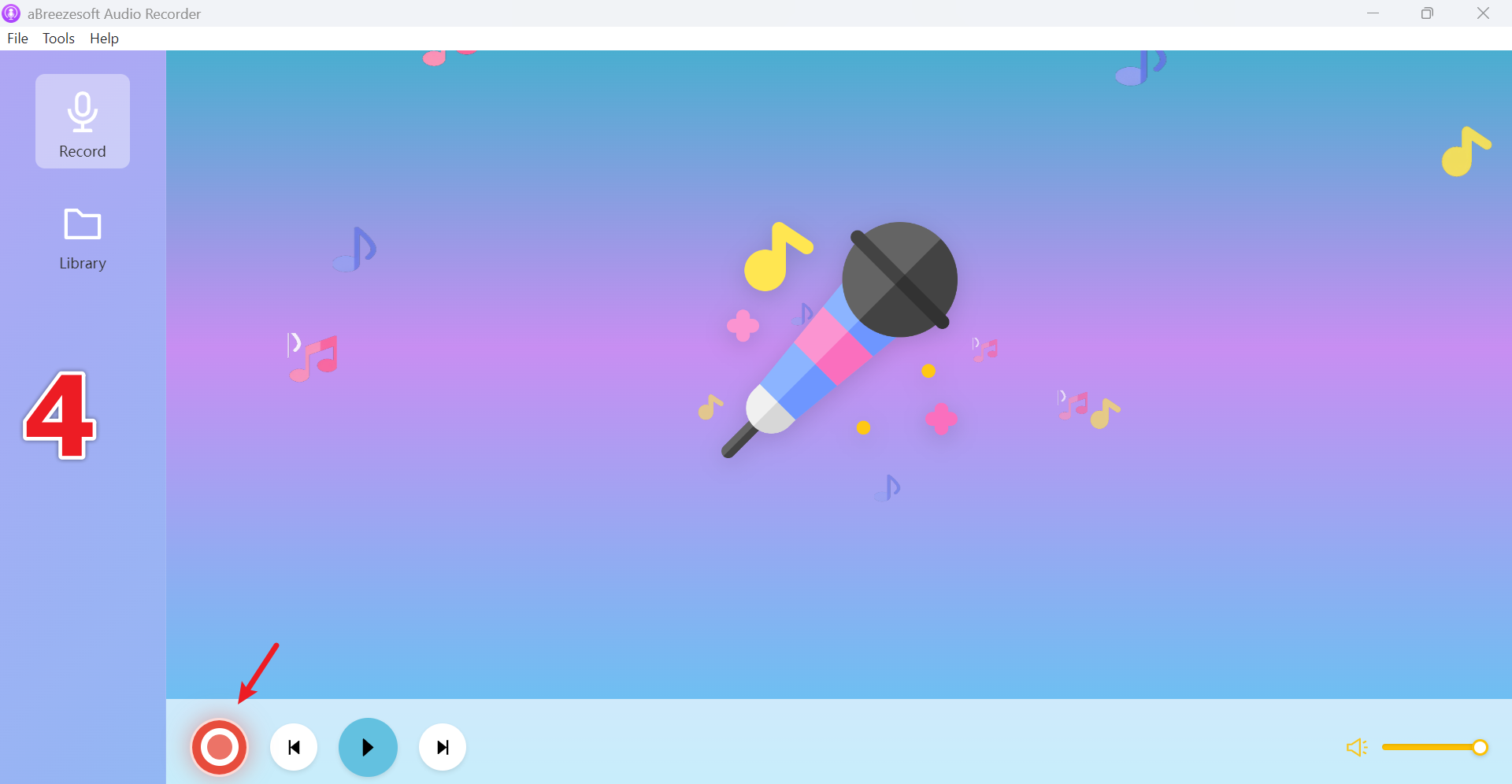
Step 2: Once the program opens, you'll land on the main dashboard. From there, go to the "Record" section in the menu and click the red Record button to activate audio capture from your system.
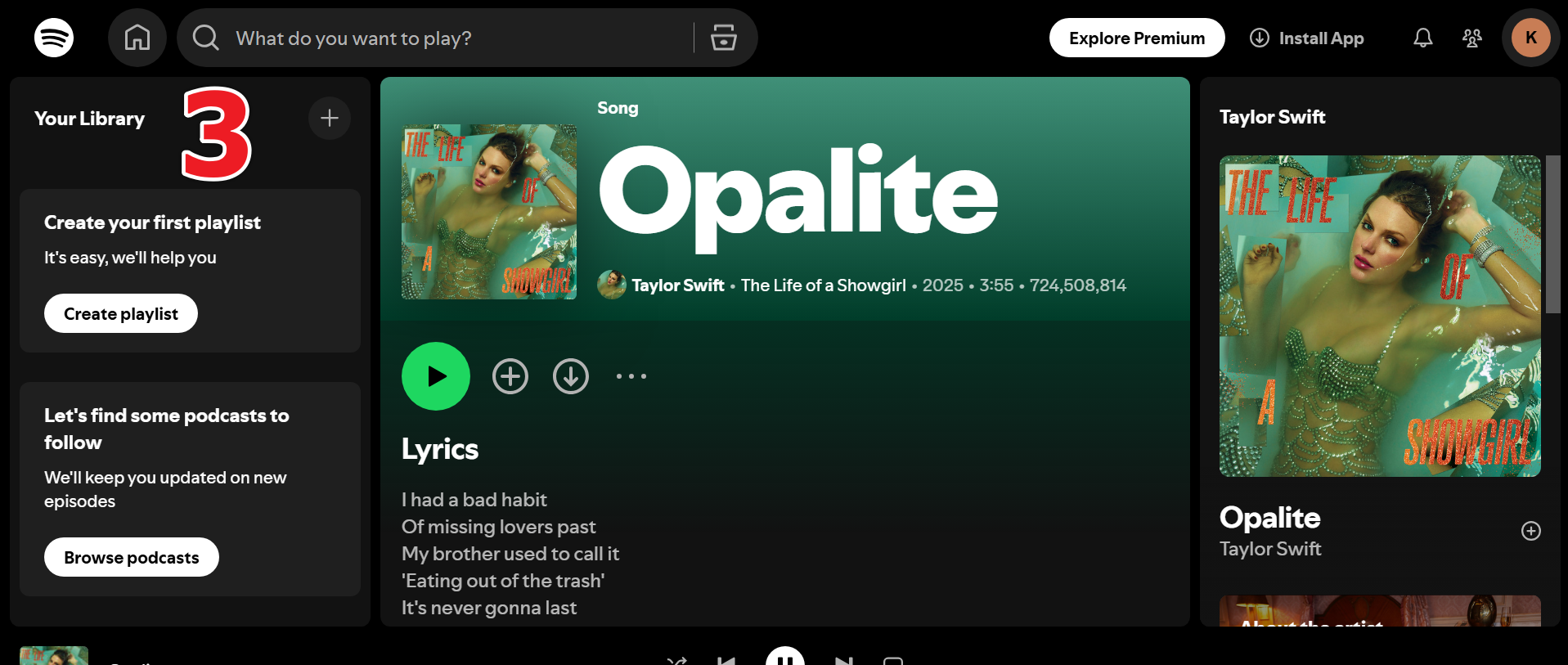
Step 3: Now launch Spotify on your computer and play any track, playlist, or album you want to save. The software will begin capturing the audio in real time as it plays.
Step 4: When you're done, stop the recording session. All captured Spotify tracks will be automatically processed and saved inside the built-in library for offline use.
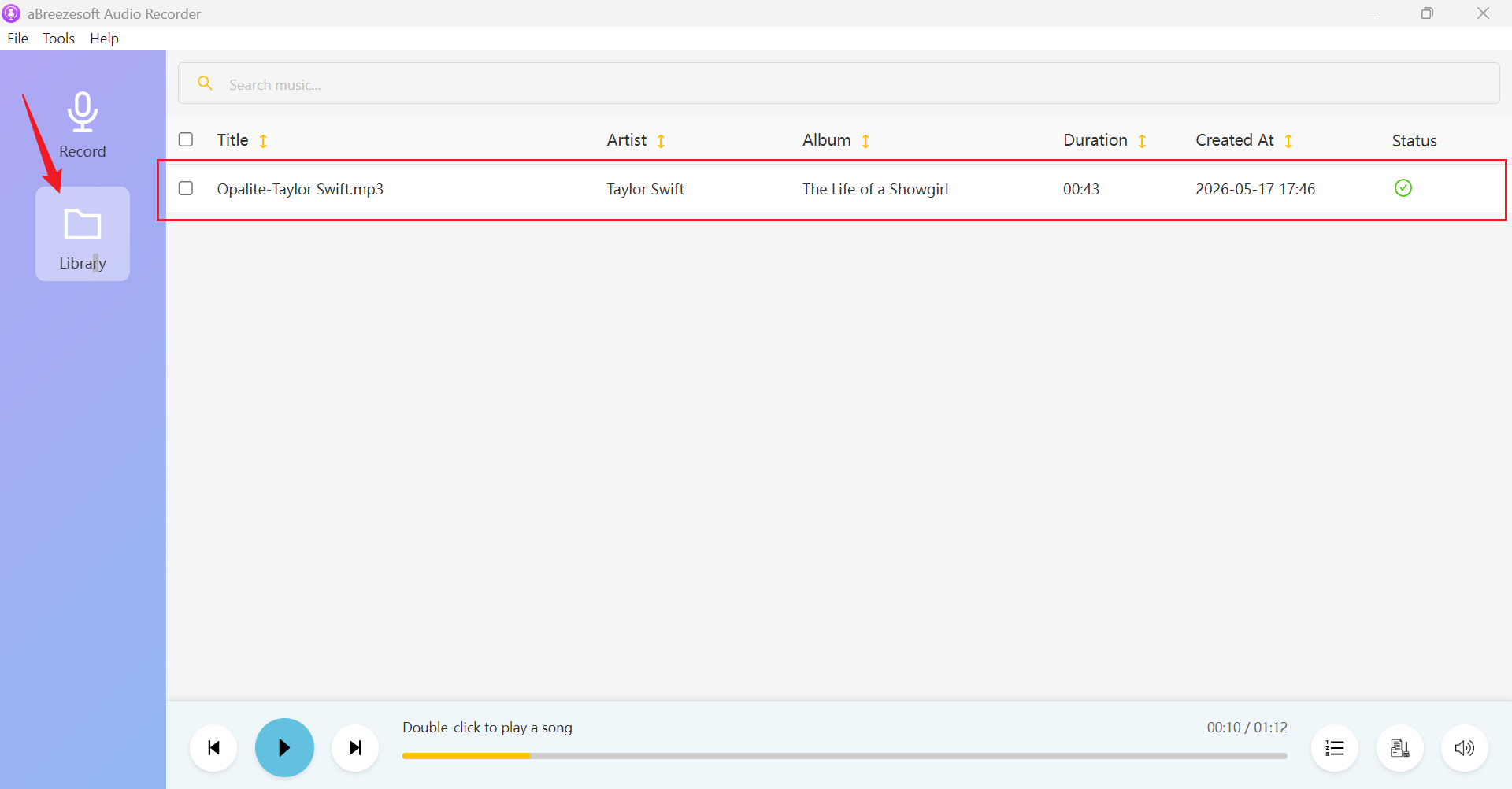
Step 5: Open the Library section to view your saved recordings. To access the actual files on your device, simply right-click any track and choose "Open File Location."
2. Audacity — Best Free Spotify Audio Recorder
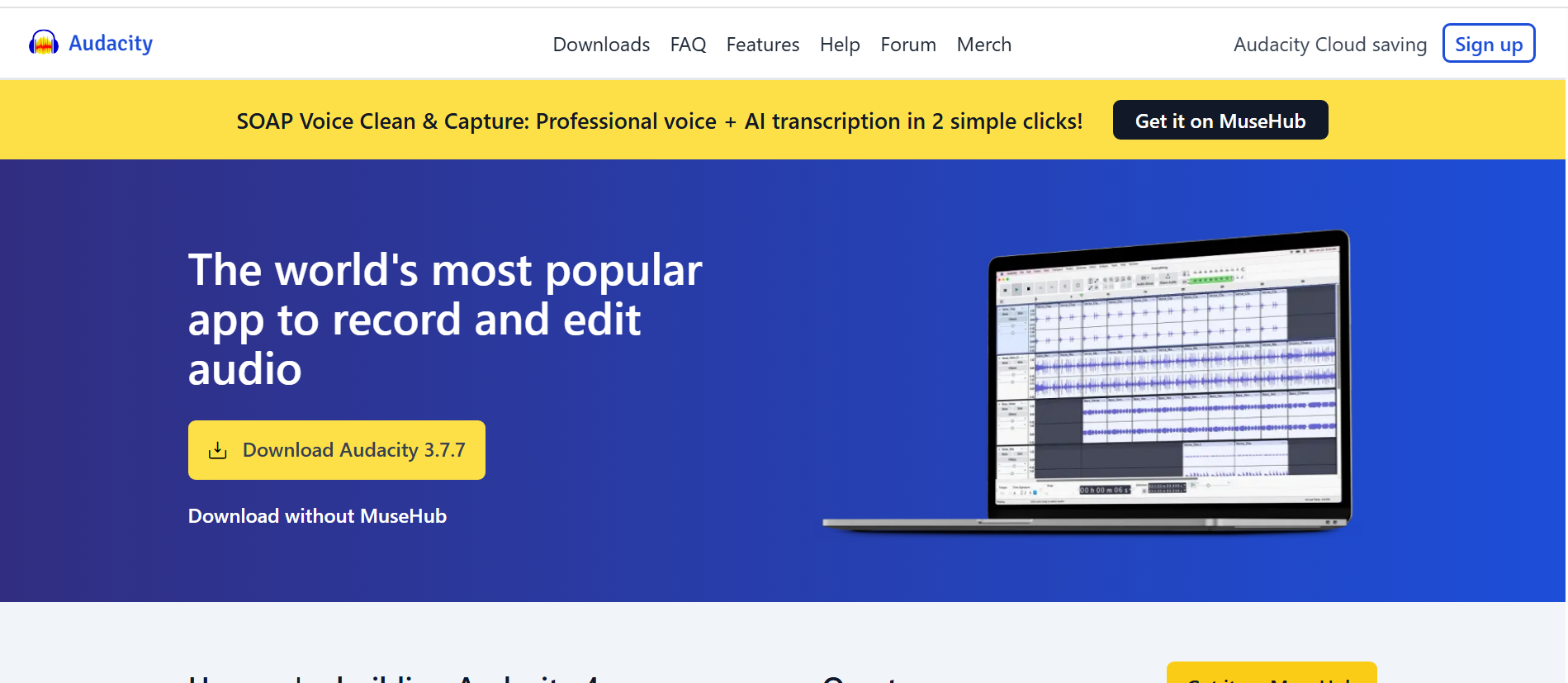
Audacity is a free and open-source audio recording and editing tool widely used for capturing system audio, including Spotify playback. It is known for its strong manual control and detailed audio editing capabilities. Users can record music in real time and then refine it using tools like trimming, noise reduction, normalization, and volume adjustment. It supports exporting in formats such as MP3 and WAV, which makes it compatible with most devices and media players.
However, Audacity is not designed specifically for Spotify or playlist-based recording workflows. It does not include automatic track separation, metadata tagging, or library organization features. This means users need to manually split songs and organize files after recording. It is best suited for users who want a completely free solution and prefer hands-on control over editing rather than automated music library management.
3. Leawo Music Recorder — Best for Playlist Recording
Leawo Music Recorder is designed for capturing streaming audio from platforms like Spotify, YouTube Music, internet radio, and podcasts. It is especially useful for users who want to record full playlists or albums in one session. The software automatically detects songs during playback and can separate them into individual files. It also supports metadata tagging, including artist name, track title, album details, and album artwork, which helps users keep their recordings organized.
Leawo supports MP3 and WAV formats, making recorded files widely compatible with different devices. It also includes scheduling features, allowing users to set recording times in advance for long playlists or radio sessions. While it offers good automation for playlist recording, its overall library management system is less advanced compared to tools designed specifically for building structured offline music collections.
4. Cinch Audio Recorder — Best for Beginners
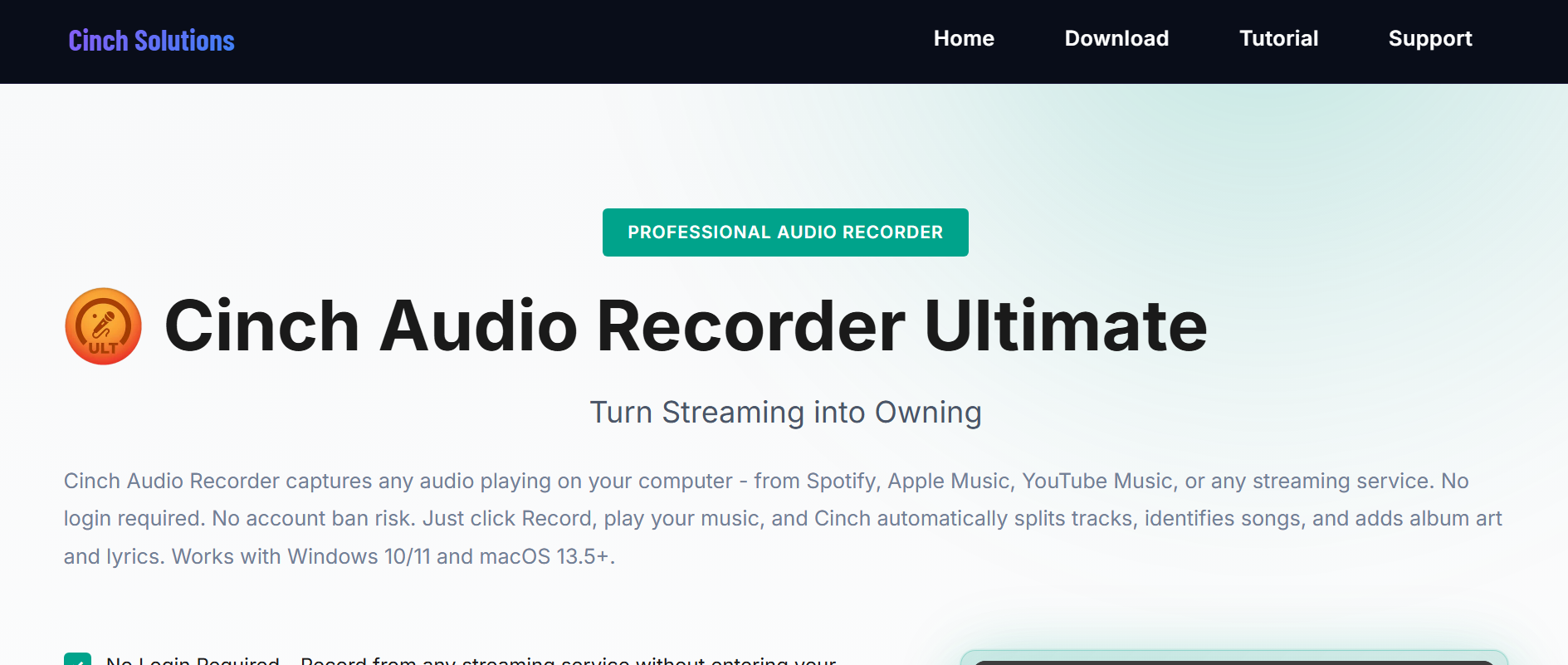
Cinch Audio Recorder is a lightweight and beginner-friendly tool designed for simple Spotify audio recording. It focuses on ease of use, allowing users to quickly capture music without dealing with complex settings. It supports automatic MP3 recording and can detect individual tracks during playback, which helps separate songs automatically. It also includes basic ad filtering features, improving the listening quality of recorded audio from streaming sources.
The interface is minimal and easy to navigate, making it suitable for users who want fast results without technical setup. However, Cinch is more limited in advanced features such as lossless formats, detailed metadata control, and large-scale music library organization. It is best for casual users who only need a simple Spotify recording.
5. Wondershare DemoCreator — Best for Casual Audio Capture
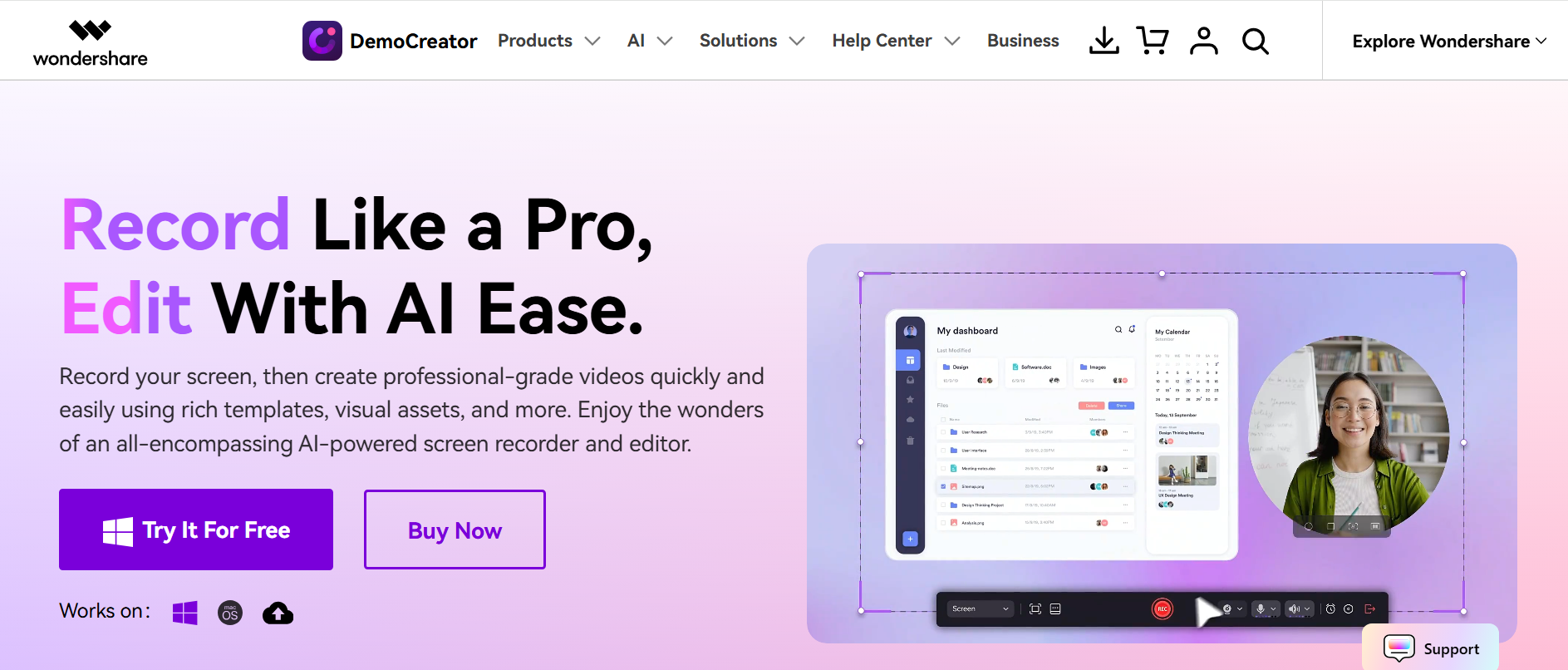
Wondershare DemoCreator is primarily a screen recording and content creation tool, but it also supports system audio capture, which allows users to record Spotify playback. It is mainly designed for video creators, so its audio recording features are part of a broader toolkit that includes screen recording, webcam capture, editing, and AI-based enhancements.
DemoCreator works well for casual audio capture, especially when users are recording tutorials, presentations, or gameplay along with system sound. However, it is not optimized for music library building. It lacks advanced music-focused features such as track separation, metadata tagging, and structured playlist management, making it less suitable for users building large offline music collections.
FAQs
What is a Spotify audio recorder?
A Spotify audio recorder is a tool that captures system audio while Spotify music is playing and saves it as local files like MP3 or FLAC for offline listening.
Can I build an offline music collection from Spotify?
Yes. Many users record Spotify playback and organize the saved files into a local music library that can be stored, backed up, and transferred across devices.
What is the best format for offline music?
MP3 is the most compatible format for everyday use, while FLAC is preferred for higher audio quality and lossless storage.
Do Spotify audio recorders keep song information?
Some advanced tools like aBreezeSoft Audio Recorder can automatically add metadata like artist name, album, and cover art, while basic recorders require manual tagging.
Can recorded Spotify music be transferred to other devices?
Yes. Once saved with aBreezeSoft Audio Recorder as local files, music can be moved to phones, USB drives, tablets, or car systems for offline playback.
Conclusion
Building an offline music collection from Spotify gives users more control over how they store and enjoy their music. Instead of relying only on streaming access, local audio files offer flexibility, permanence, and full device compatibility. For users who want a simpler and more organized workflow, tools like aBreezeSoft Audio Recorder help streamline the process by capturing high-quality audio, separating tracks automatically, and adding metadata for a clean music library.